The Smart Way to Network Using Instagram Nametags
With over one billion monthly active users, standing out on Instagram is hard. Getting people to click that all-important “Follow” button is even harder.
For most businesses, growing an engaged Instagram following is a top priority. But if you meet many of your clients at conferences, events, or in-person meetings, promoting your account can be tricky.
Think about it: spelling out your Instagram handle every time wastes time and often leads to typos.
That’s why Instagram introduced Nametags—personalized scannable codes that instantly pull up your profile. Instead of dictating your handle, you just show your Nametag and let someone scan it.
Similar to QR codes on other platforms (like Snapchat or Spotify), Instagram Nametags turn networking into a one-tap action. And in true Instagram style, they’re customizable—making them feel like a digital business card.
Watch a quick explainer on YouTube
How to Create and Customize Your Nametag
Navigate to the Nametag Section
- Open Instagram and go to your profile.
- Tap the three horizontal lines (☰) in the top right.
- Select the Nametag option.
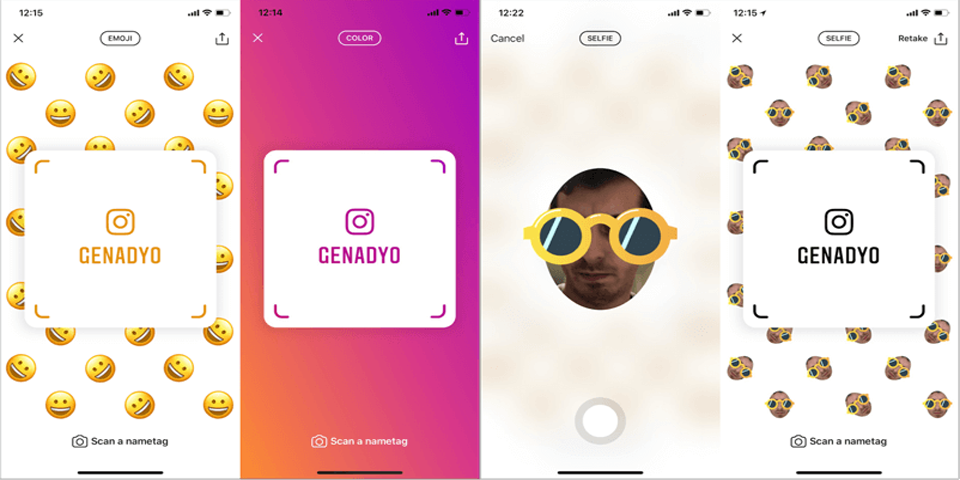
You’ll see your default Nametag with your username. From here, you can customize it in three ways: color, emoji, or selfie.

- Color mode: Tap the screen to cycle through background colors.
- Emoji mode: Choose an emoji to tile across your background.
- Selfie mode: Snap a photo of yourself and Instagram will repeat it across the background.
When finished, tap the X in the corner to save.
Customize With Emojis
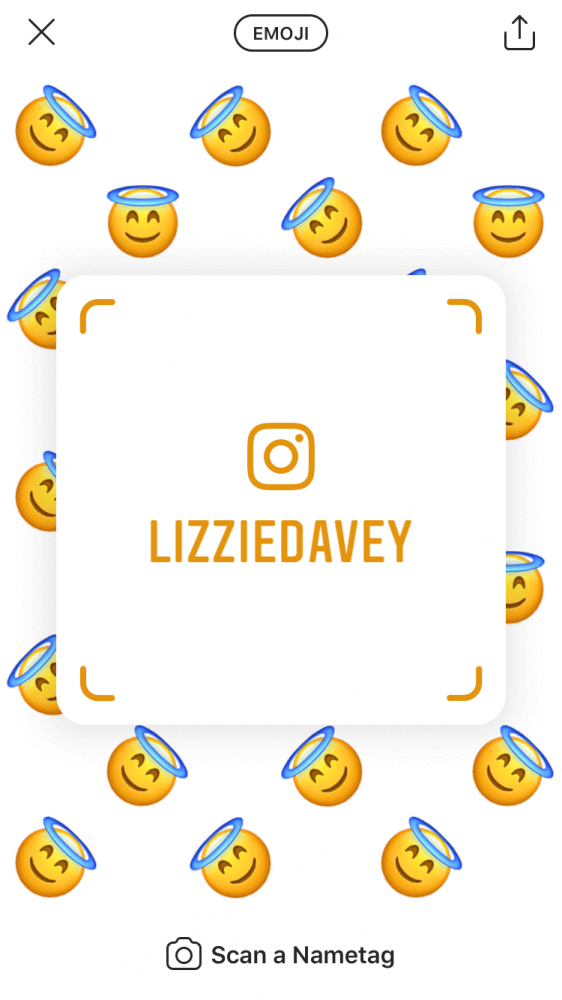
Emoji backgrounds let you reflect your personality or brand in a fun, light-hearted way. Pick one that aligns with your tone—whether playful, professional, or bold.
Customize With a Selfie
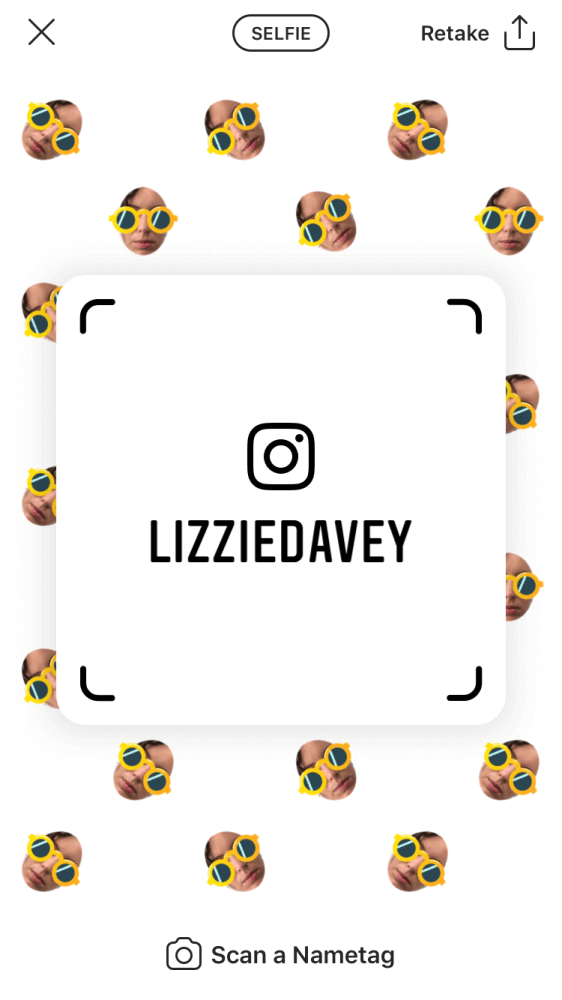
Selfie mode adds a personal touch. Once you snap your picture, Instagram repeats it as the Nametag’s backdrop—instantly recognizable to anyone scanning.
Share and Print Your Nametag
On the go, you can simply show your Nametag on your phone and let others scan it. But for in-person networking—especially at events—you might want a physical version.

With Brandly, you can print your Nametag on business cards or handouts. That way, even if your phone battery dies, people still have a scannable code that leads directly to your profile.
Printed Nametags act as:
- A tangible reminder of your Instagram presence
- A faster call-to-action than typing a handle
- A unique way to blend traditional business cards with digital networking
Why Use Instagram Nametags for Networking?
- Instant access: One scan replaces spelling out usernames.
- Personalization: Colors, emojis, and selfies make your Nametag memorable.
- Professional crossover: Printing them bridges digital and real-world networking.
Instead of hoping prospects type your handle later, you give them a quick, seamless path to follow you.
Stay up-to-date with the latest networking and business card trends—subscribe to our newsletter.
Set Up Your Free Business Card Portal
Get Started