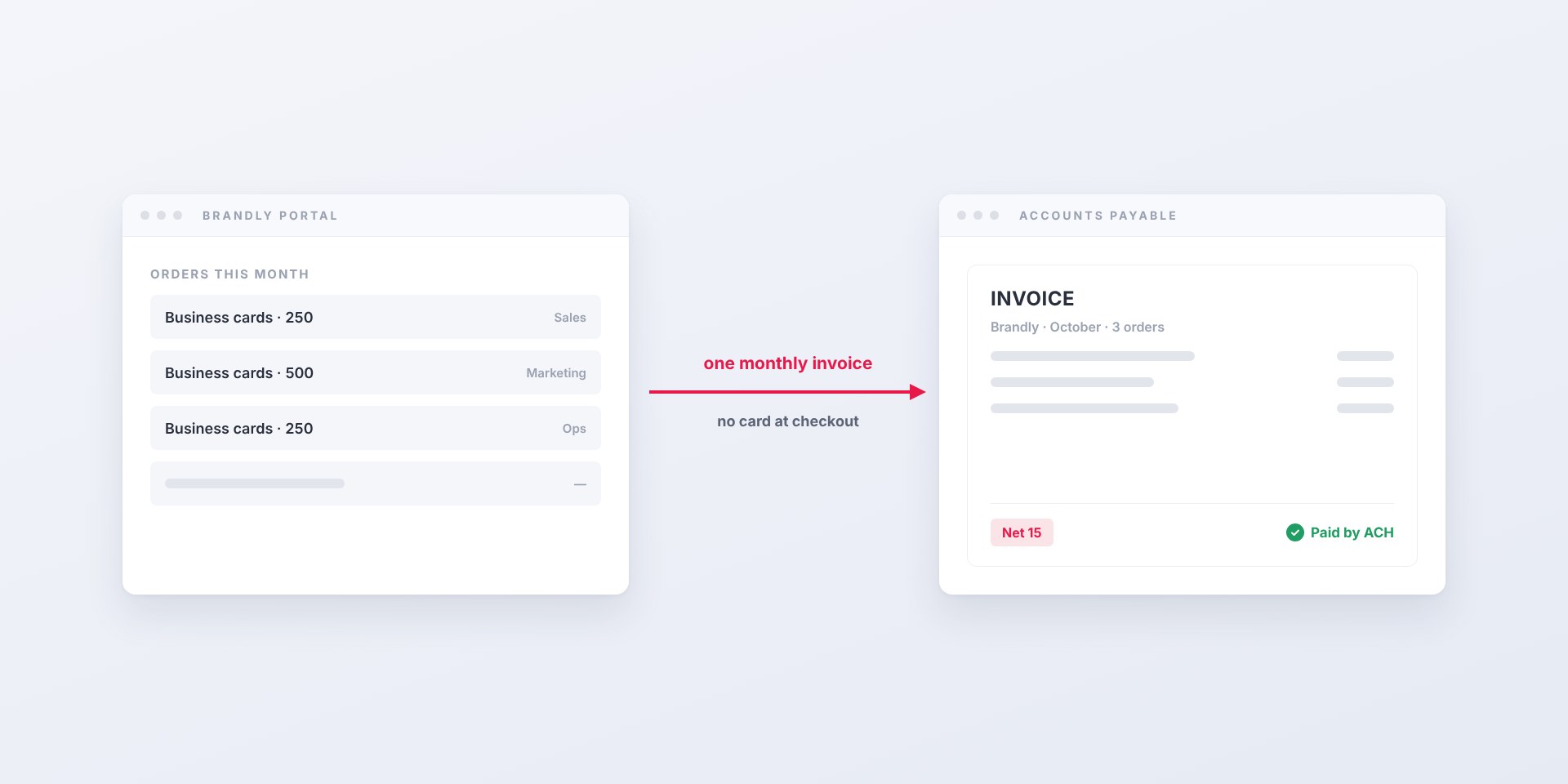
You don't have to pay for business cards by card. With Business Plus, Brandly invoices your company on Net 15 terms, paid by ACH, check or card, per order or...
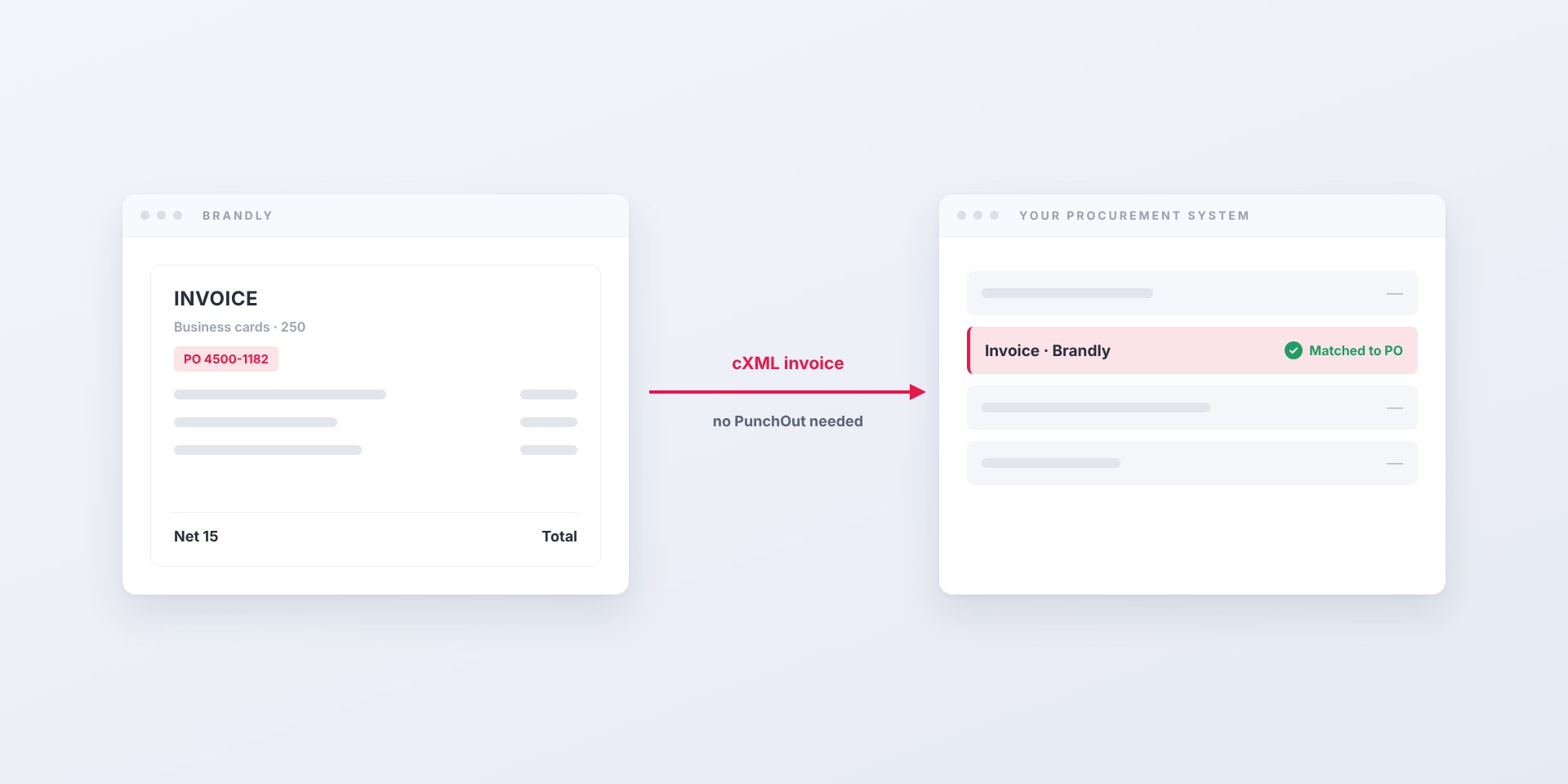
Brandly now sends business card invoices straight into Coupa as cXML. Your team keeps ordering on brandly.com; AP gets invoices matched to the PO, not PDFs.
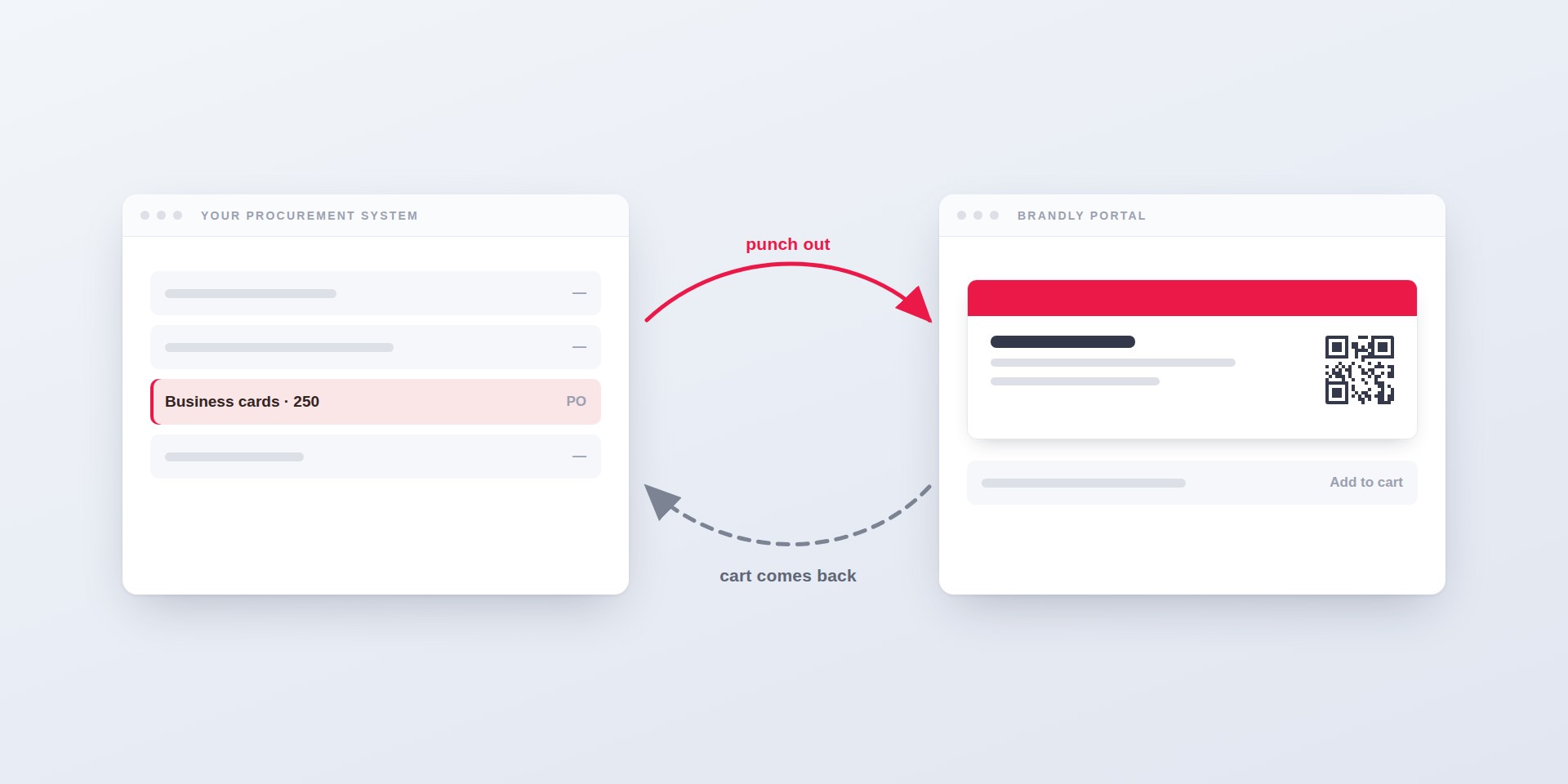
How PunchOut lets your team order business cards without leaving Coupa, SAP Ariba or TradeCentric — what the round trip looks like, what setup takes, and why many buyers need...
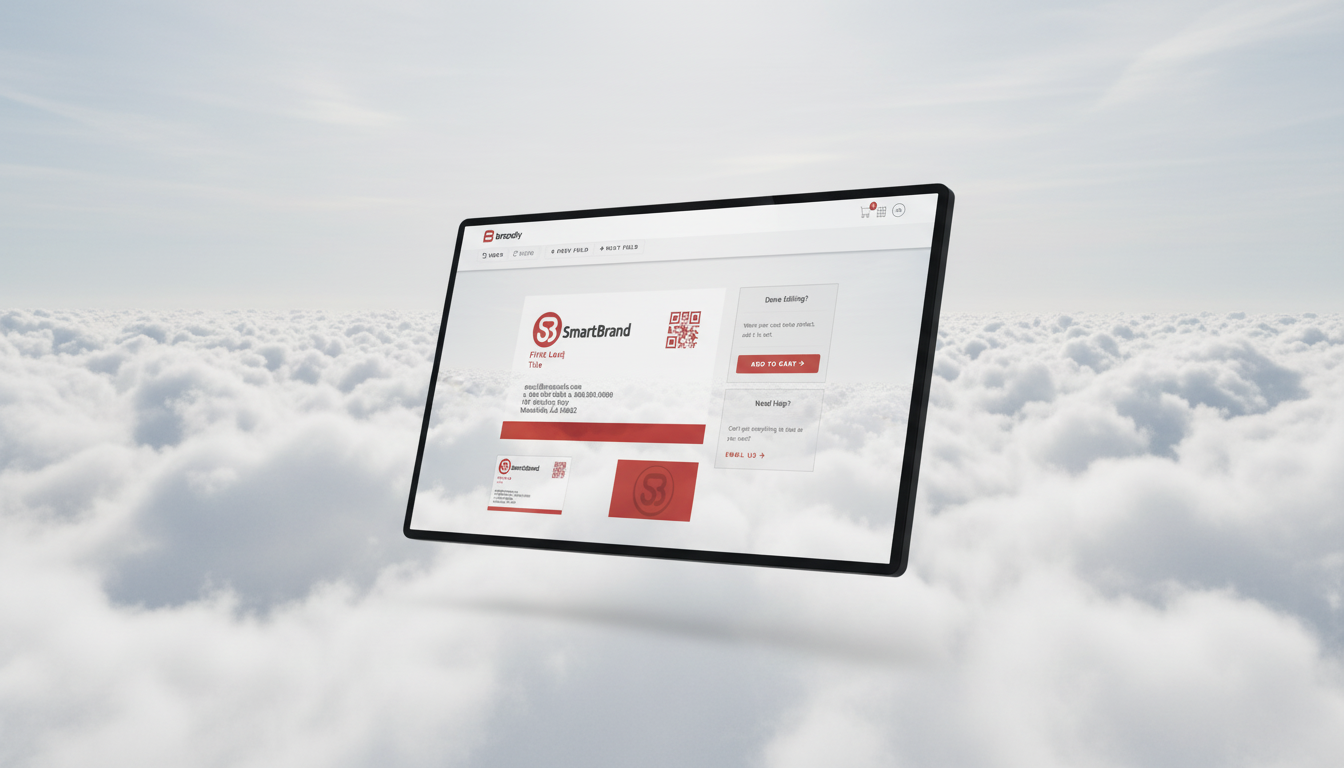
Learn what a business card portal is, the key features to look for (editable templates, approvals, reorders), and how to choose the right option to streamline team-wide ordering.
Streamline business card ordering with on-brand templates, self-serve edits, and approval workflows. Learn how to simplify the process for teams using a business card portal.
Learn how business card automation, standardized templates, and approval workflows cut ordering time and costs for growing teams—and how to get started.
Discover how large companies use a business card portal with self-serve templates and approval workflows to manage, edit, and print business cards for employees at scale.
Learn why brand consistency matters and how automating your design process saves time, reduces costs, and builds trust across every customer touchpoint.
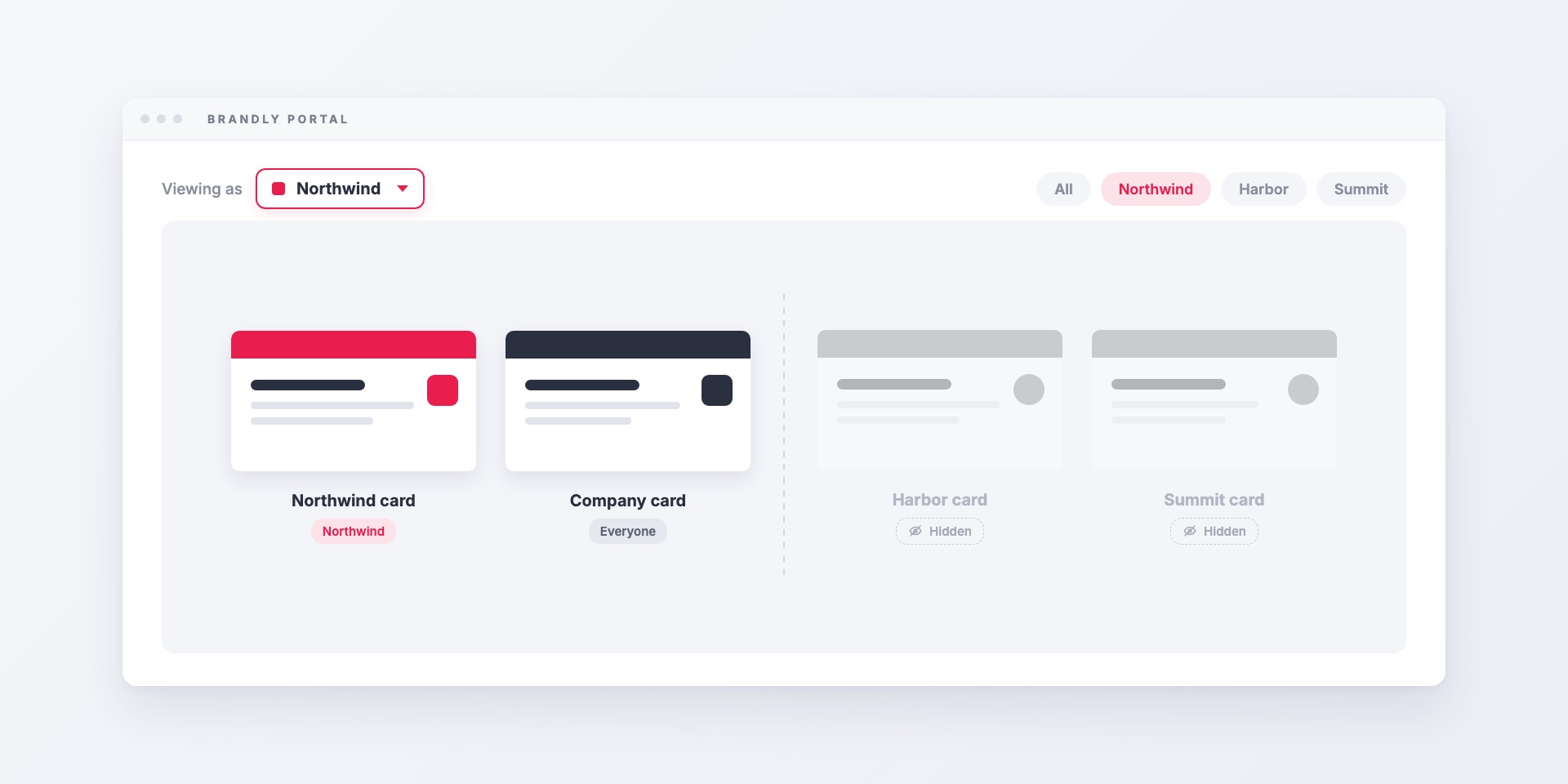
Group filtering lets one Brandly portal serve several brands, offices or departments. Each employee sees only the templates, products and shipping addresses for their group, and admins can still see...
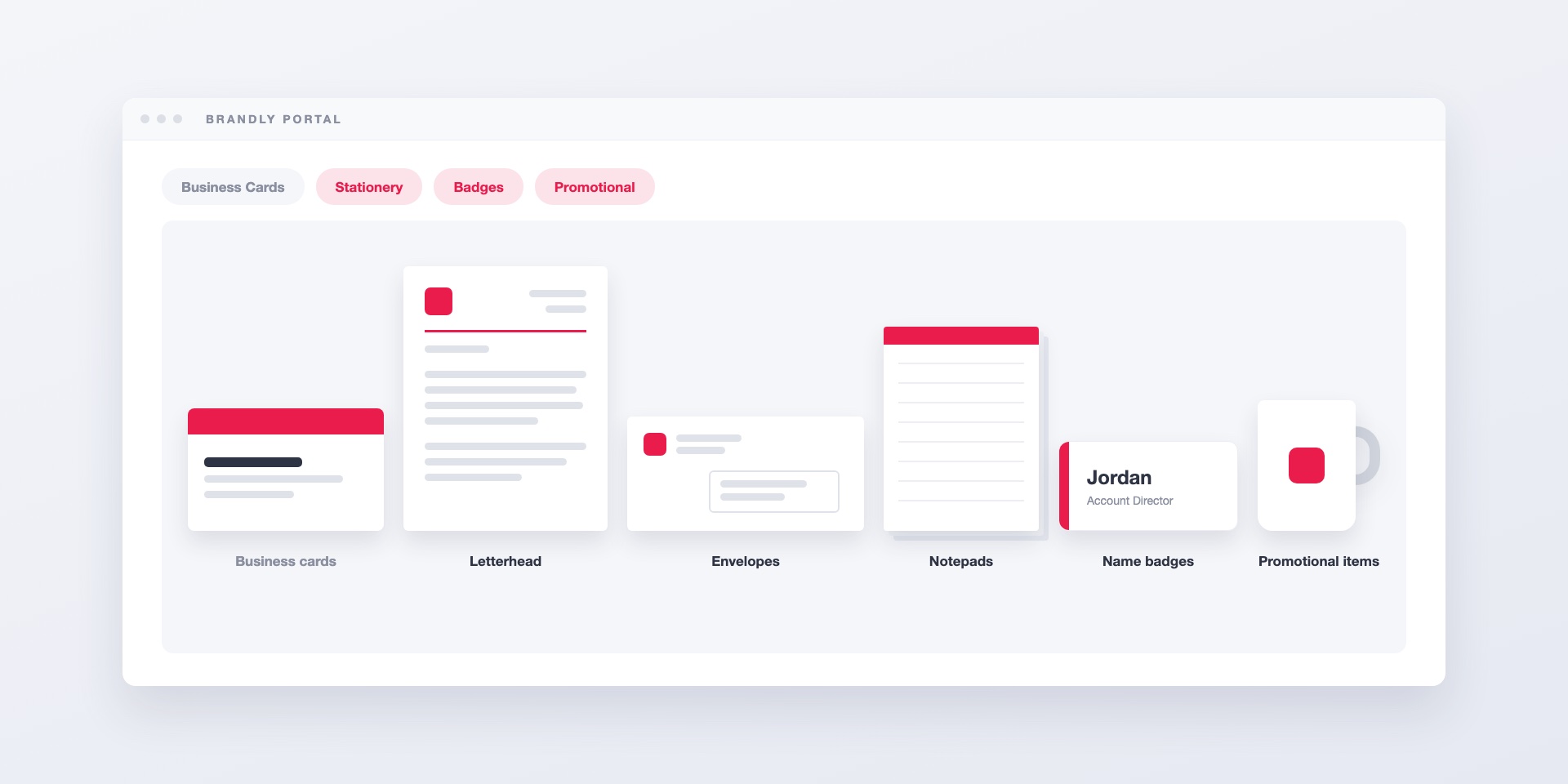
Brandly's wider catalog adds letterhead, envelopes, notepads, name badges and promotional items to the same portal your team already uses for business cards, with the same templates, employee details and...
Explore how business cards act as powerful brand ambassadors and why maintaining design consistency—especially for global teams—is essential. Discover how Brandly simplifies business card management across markets.
Discover five compelling reasons why every employee should carry a business card—from building credibility and brand visibility to driving lead generation—and how to streamline the process for your team.
Fonts are key to effective business card design. Learn how to choose the right font for readability, consistency, and brand impact—and how Brandly ensures your cards look perfect.
Learn why design consistency drives brand awareness, trust, and conversions—and how to keep branding cohesive with guidelines, templates, approvals, and centralized assets across every touchpoint.
Learn a practical framework to evaluate rebranding ROI—set objectives, baseline key metrics (awareness, recognition, conversion, CLV, CAC), and track outcomes post‑launch to decide if a rebrand is worth it.
Avoid five common brand identity mistakes—and learn practical fixes to align mission, design, and signaling so your brand is distinctive, consistent, and scalable.
Learn how business cards reinforce brand identity with consistent logo, colors, typography, and messaging—plus practical tips for readability, QR codes, and team templates.
Learn when to redesign your business cards (rebrands, new info, low results) and how to execute an on-brand update—layout tips, paper/finish choices, QR codes, and team workflows.
Learn a step-by-step brand story framework (inspired by StoryBrand) with examples, clear CTAs, and messaging tips to engage customers and build lasting connections.
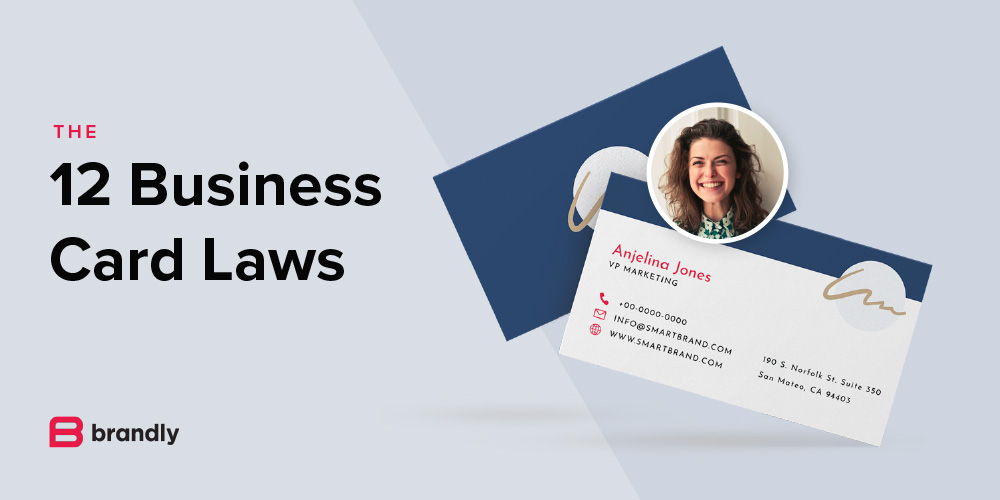
Designing a business card? Follow these 10 essential rules to ensure your card looks professional, communicates clearly, and makes a lasting impression.
Learn why brand consistency matters and how automating your design process saves time, reduces costs, and builds trust across every customer touchpoint.
Explore how business cards act as powerful brand ambassadors and why maintaining design consistency—especially for global teams—is essential. Discover how Brandly simplifies business card management across markets.
Learn how to use business cards as an effective marketing tool—from creating standout designs to adding QR codes and promotions. Discover strategies to boost brand visibility and drive engagement.
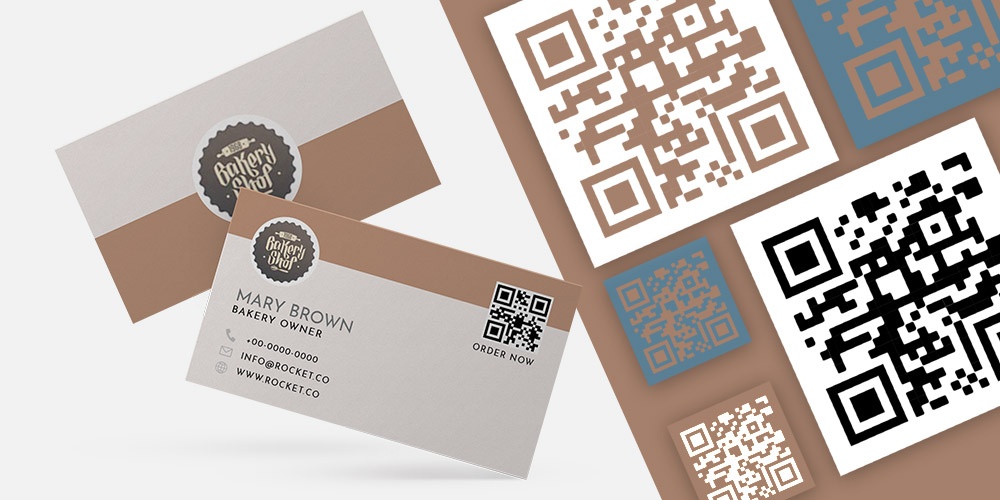
Learn how small a QR code can be on a business card while staying scannable, plus 7 essential tips for designing high-quality QR code business cards that convert.
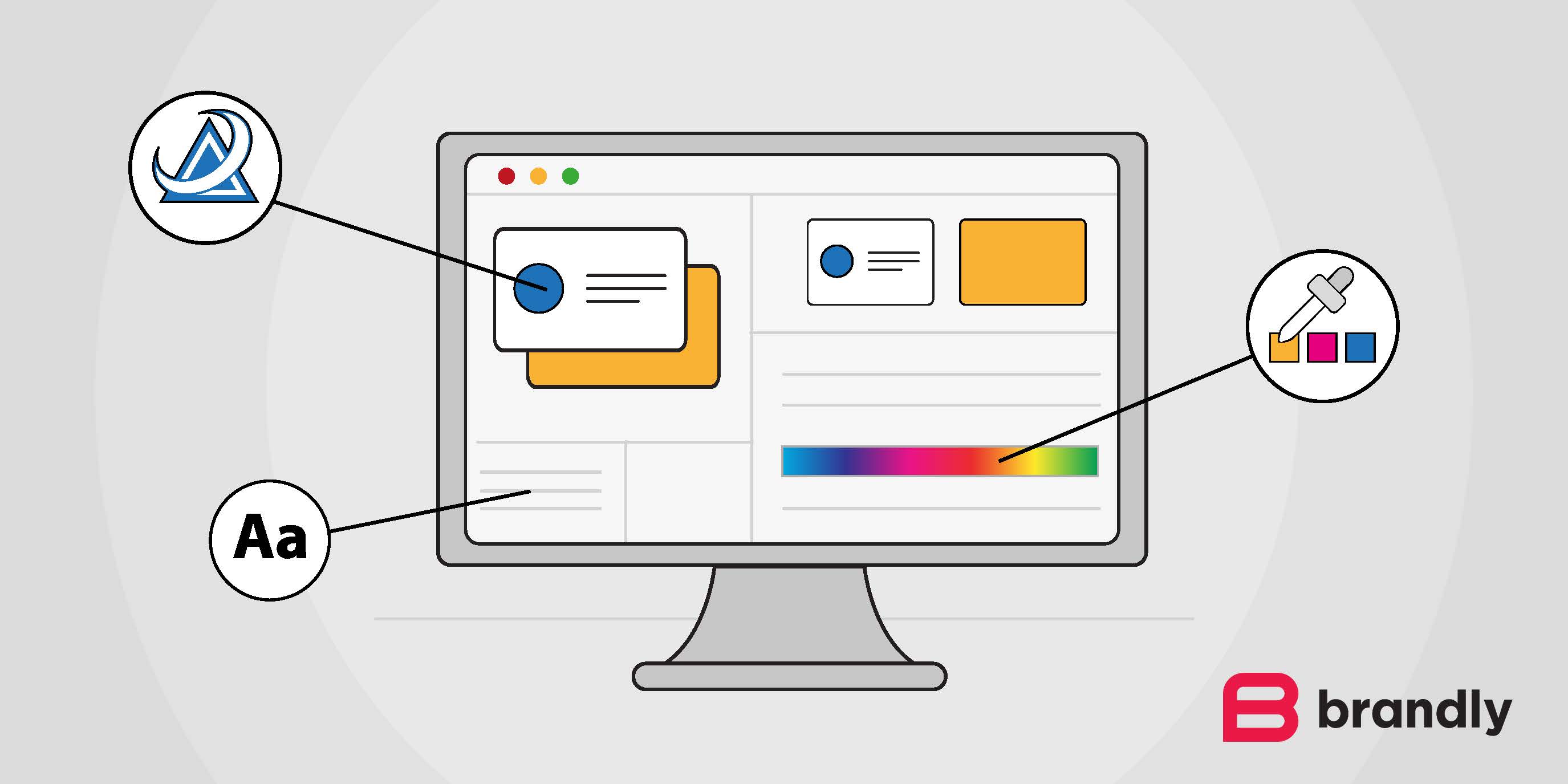
Learn how to upload your business card PDF, make it an editable template, and update the design easily with Brandly—perfect for teams, rebrands, and adding features like QR codes.
Fonts are key to effective business card design. Learn how to choose the right font for readability, consistency, and brand impact—and how Brandly ensures your cards look perfect.
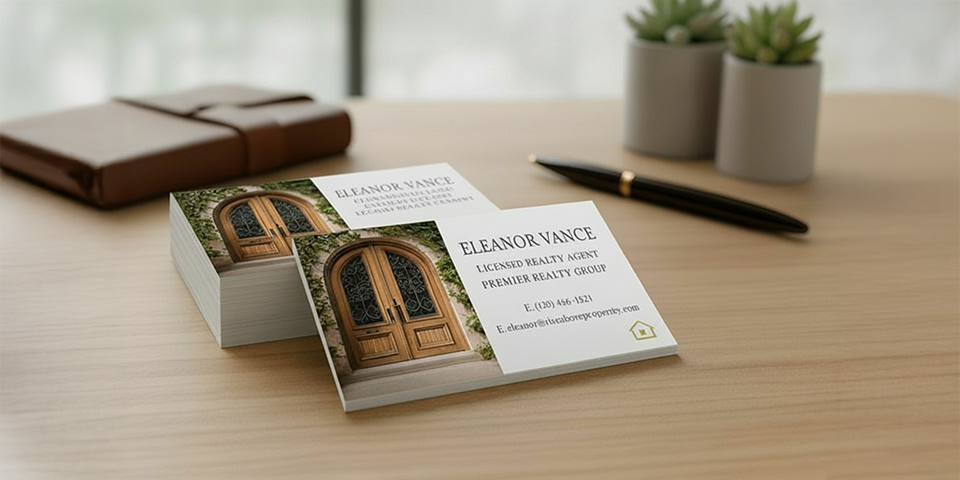
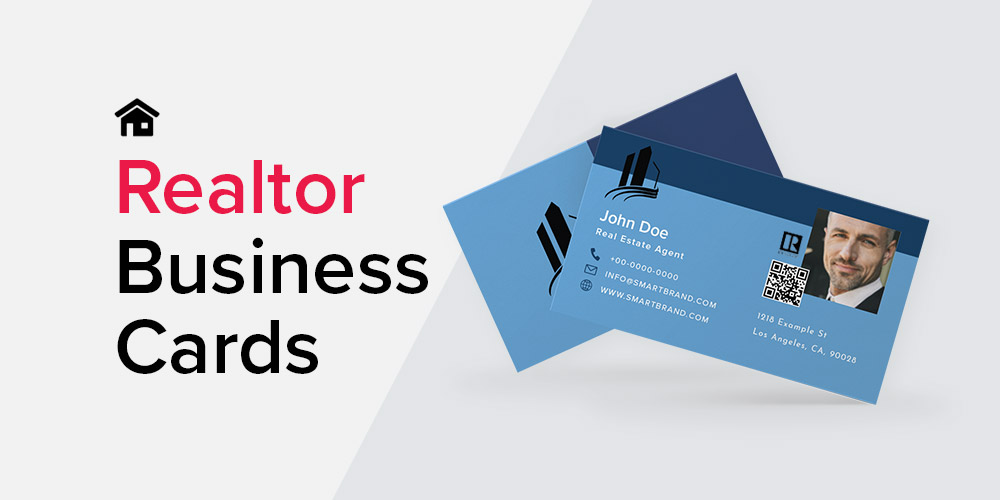
Learn how real estate agents can create and order professional business cards with ease. Discover must-have elements, design tips, and how to get started with Brandly’s fast, customizable platform.
Discover the top design tips and premium materials for creating standout real estate business cards. Learn how to impress clients and keep your brand consistent with Brandly.
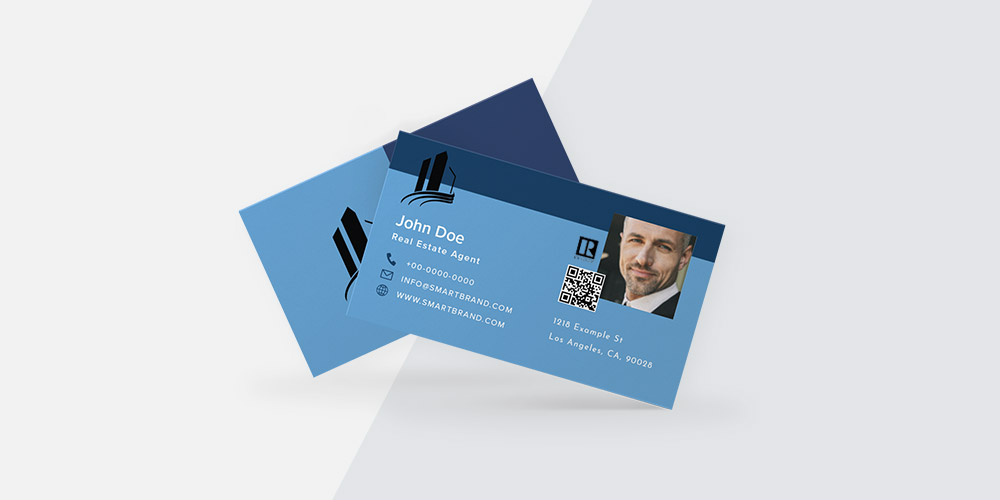
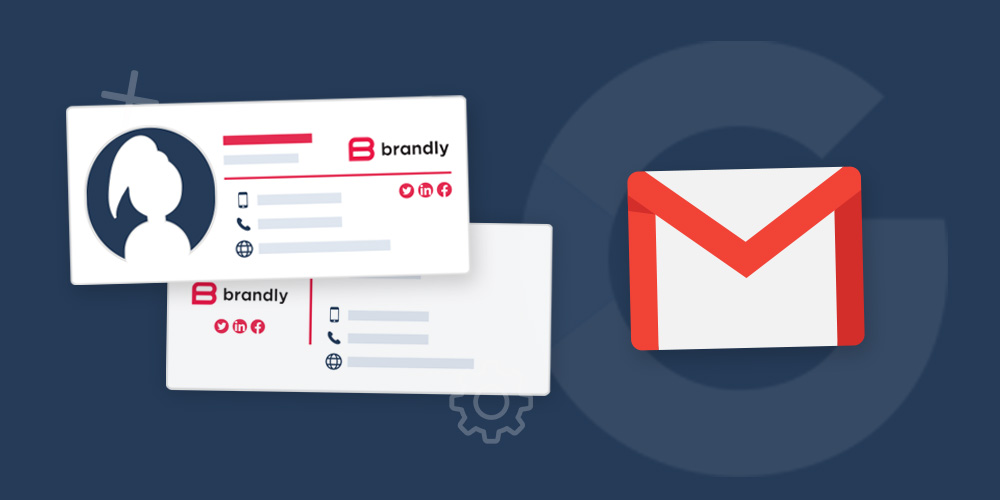
Wondering if you should add a photo to your business card? Learn how to easily customize and order photo-ready business cards with Brandly’s online portal.
Learn why design consistency drives brand awareness, trust, and conversions—and how to keep branding cohesive with guidelines, templates, approvals, and centralized assets across every touchpoint.
Ensure your business card designs print flawlessly with a professional final handoff and printing workflow. Protect quality, streamline client experience, and standardize specs for consistent results.
Avoid five common brand identity mistakes—and learn practical fixes to align mission, design, and signaling so your brand is distinctive, consistent, and scalable.
Learn how business cards reinforce brand identity with consistent logo, colors, typography, and messaging—plus practical tips for readability, QR codes, and team templates.
Learn when to redesign your business cards (rebrands, new info, low results) and how to execute an on-brand update—layout tips, paper/finish choices, QR codes, and team workflows.
Learn how to order real estate business card samples the right way—paper types, finishes, colors, layouts, and must-have info—plus practical tips to help you win more clients.
Explore 13 brilliant real estate business card examples with design tips (QR codes, foil, headshots, minimalist layouts) to build trust, win clients, and stay on-brand.
Learn how to add social media icons to business cards with 10 inspiring examples, design tips, and a free icon pack to boost brand visibility and engagement.
Designing a business card? Follow these 10 essential rules to ensure your card looks professional, communicates clearly, and makes a lasting impression.
Learn why brand consistency matters and how automating your design process saves time, reduces costs, and builds trust across every customer touchpoint.
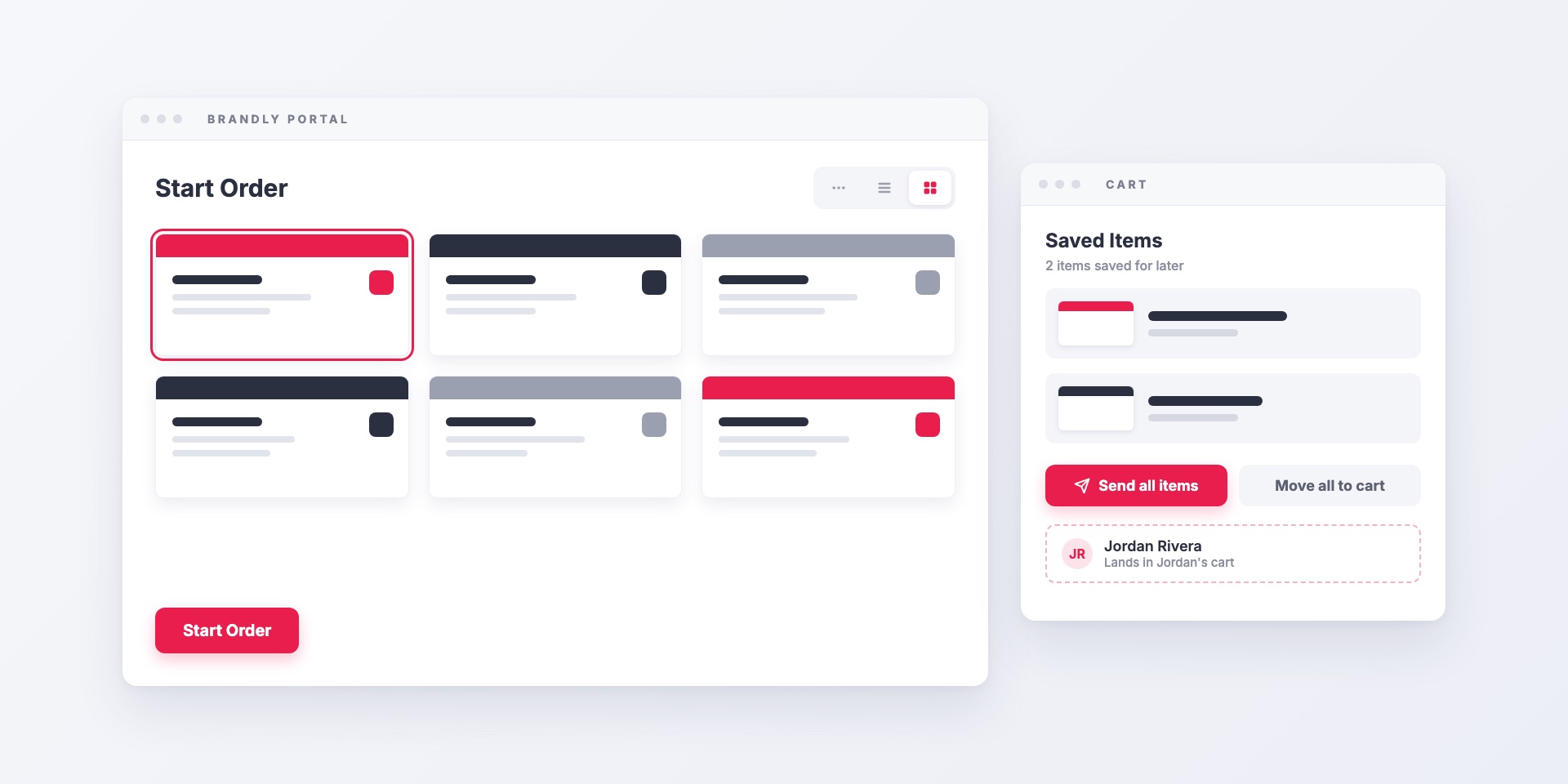
Recent updates to the Brandly business card portal: a dashboard built around ordering, list and grid views for teams with many templates, and a way for admins to send saved...
Learn the difference between Google Workspace and the Marketplace—and how to use both to streamline operations and boost productivity for your business.
Learn a simple three-step system to manage and order team business cards using templates, a centralized portal, and approvals—so every card stays on-brand.
Streamline business card ordering with on-brand templates, self-serve edits, and approval workflows. Learn how to simplify the process for teams using a business card portal.
Learn how business card automation, standardized templates, and approval workflows cut ordering time and costs for growing teams—and how to get started.
Discover how QR code business cards bridge offline networking and digital marketing. Learn implementation strategies, benefits, and best practices to increase follow-ups and track ROI from business card campaigns.
Explore how business cards act as powerful brand ambassadors and why maintaining design consistency—especially for global teams—is essential. Discover how Brandly simplifies business card management across markets.
Discover five compelling reasons why every employee should carry a business card—from building credibility and brand visibility to driving lead generation—and how to streamline the process for your team.
Learn how to use business cards as an effective marketing tool—from creating standout designs to adding QR codes and promotions. Discover strategies to boost brand visibility and drive engagement.
QR codes make your business cards more interactive and effective. Learn how they boost engagement, provide editable info, and connect offline to online.
Learn a step-by-step brand story framework (inspired by StoryBrand) with examples, clear CTAs, and messaging tips to engage customers and build lasting connections.
Discover how QR code business cards bridge offline networking and digital marketing. Learn implementation strategies, benefits, and best practices to increase follow-ups and track ROI from business card campaigns.
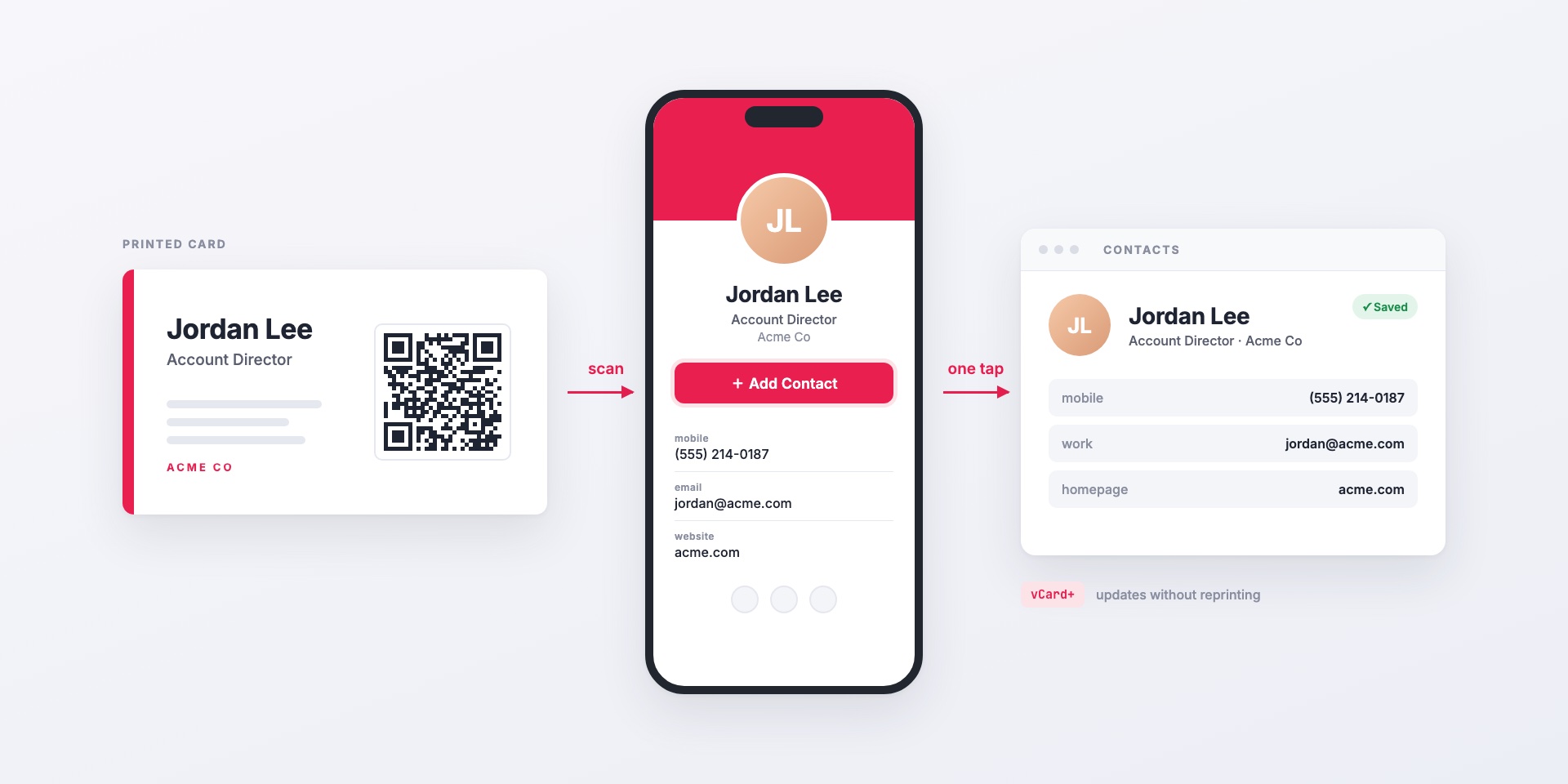
vCard+ puts a QR code on your printed business cards that opens a personal digital contact page. One tap saves the contact to the phone, and details update without reprinting....
Get ready for tradeshow success—from ordering business cards and badges early to designing a standout booth and choosing the right AV gear. Plus, explore top U.S. shows to target.
Explore how business cards act as powerful brand ambassadors and why maintaining design consistency—especially for global teams—is essential. Discover how Brandly simplifies business card management across markets.
Discover five compelling reasons why every employee should carry a business card—from building credibility and brand visibility to driving lead generation—and how to streamline the process for your team.
Learn how to use business cards as an effective marketing tool—from creating standout designs to adding QR codes and promotions. Discover strategies to boost brand visibility and drive engagement.
Learn the essential dos and don’ts of business card etiquette to make a lasting impression. From layout tips to handling your cards professionally, this guide has you covered.
Learn how small a QR code can be on a business card while staying scannable, plus 7 essential tips for designing high-quality QR code business cards that convert.
Discover nine powerful features of QR code business cards—from editable contact info to digital sharing, tracking, customization, and more. Learn how they can elevate your team’s networking and efficiency.
Learn how to upload your business card PDF, make it an editable template, and update the design easily with Brandly—perfect for teams, rebrands, and adding features like QR codes.
Fonts are key to effective business card design. Learn how to choose the right font for readability, consistency, and brand impact—and how Brandly ensures your cards look perfect.
Learn how real estate agents can create and order professional business cards with ease. Discover must-have elements, design tips, and how to get started with Brandly’s fast, customizable platform.
Discover the top design tips and premium materials for creating standout real estate business cards. Learn how to impress clients and keep your brand consistent with Brandly.
Wondering if you should add a photo to your business card? Learn how to easily customize and order photo-ready business cards with Brandly’s online portal.
QR codes make your business cards more interactive and effective. Learn how they boost engagement, provide editable info, and connect offline to online.
Ensure your business card designs print flawlessly with a professional final handoff and printing workflow. Protect quality, streamline client experience, and standardize specs for consistent results.
Learn what a business card portal is, the key features to look for (editable templates, approvals, reorders), and how to choose the right option to streamline team-wide ordering.
Learn how business cards reinforce brand identity with consistent logo, colors, typography, and messaging—plus practical tips for readability, QR codes, and team templates.
Learn when to redesign your business cards (rebrands, new info, low results) and how to execute an on-brand update—layout tips, paper/finish choices, QR codes, and team workflows.
Learn a simple three-step system to manage and order team business cards using templates, a centralized portal, and approvals—so every card stays on-brand.
Streamline business card ordering with on-brand templates, self-serve edits, and approval workflows. Learn how to simplify the process for teams using a business card portal.
Learn how business card automation, standardized templates, and approval workflows cut ordering time and costs for growing teams—and how to get started.
Learn how to order real estate business card samples the right way—paper types, finishes, colors, layouts, and must-have info—plus practical tips to help you win more clients.
Explore 13 brilliant real estate business card examples with design tips (QR codes, foil, headshots, minimalist layouts) to build trust, win clients, and stay on-brand.
Discover how large companies use a business card portal with self-serve templates and approval workflows to manage, edit, and print business cards for employees at scale.
Learn how to add social media icons to business cards with 10 inspiring examples, design tips, and a free icon pack to boost brand visibility and engagement.
vCard+ puts a QR code on your printed business cards that opens a personal digital contact page. One tap saves the contact to the phone, and details update without reprinting....
Learn how to use business cards as an effective marketing tool—from creating standout designs to adding QR codes and promotions. Discover strategies to boost brand visibility and drive engagement.
Learn how small a QR code can be on a business card while staying scannable, plus 7 essential tips for designing high-quality QR code business cards that convert.
Discover nine powerful features of QR code business cards—from editable contact info to digital sharing, tracking, customization, and more. Learn how they can elevate your team’s networking and efficiency.
QR codes make your business cards more interactive and effective. Learn how they boost engagement, provide editable info, and connect offline to online.
Discover how QR code business cards bridge offline networking and digital marketing. Learn implementation strategies, benefits, and best practices to increase follow-ups and track ROI from business card campaigns.
Designing a business card? Follow these 10 essential rules to ensure your card looks professional, communicates clearly, and makes a lasting impression.
Wondering if you should add a photo to your business card? Learn how to easily customize and order photo-ready business cards with Brandly’s online portal.
Designing a business card? Follow these 10 essential rules to ensure your card looks professional, communicates clearly, and makes a lasting impression.
Get ready for tradeshow success—from ordering business cards and badges early to designing a standout booth and choosing the right AV gear. Plus, explore top U.S. shows to target.
Discover five compelling reasons why every employee should carry a business card—from building credibility and brand visibility to driving lead generation—and how to streamline the process for your team.
Learn the essential dos and don’ts of business card etiquette to make a lasting impression. From layout tips to handling your cards professionally, this guide has you covered.
Discover nine powerful features of QR code business cards—from editable contact info to digital sharing, tracking, customization, and more. Learn how they can elevate your team’s networking and efficiency.
Discover how QR code business cards bridge offline networking and digital marketing. Learn implementation strategies, benefits, and best practices to increase follow-ups and track ROI from business card campaigns.
Brandly's wider catalog adds letterhead, envelopes, notepads, name badges and promotional items to the same portal your team already uses for business cards, with the same templates, employee details and...
Discover the top design tips and premium materials for creating standout real estate business cards. Learn how to impress clients and keep your brand consistent with Brandly.
Group filtering lets one Brandly portal serve several brands, offices or departments. Each employee sees only the templates, products and shipping addresses for their group, and admins can still see...
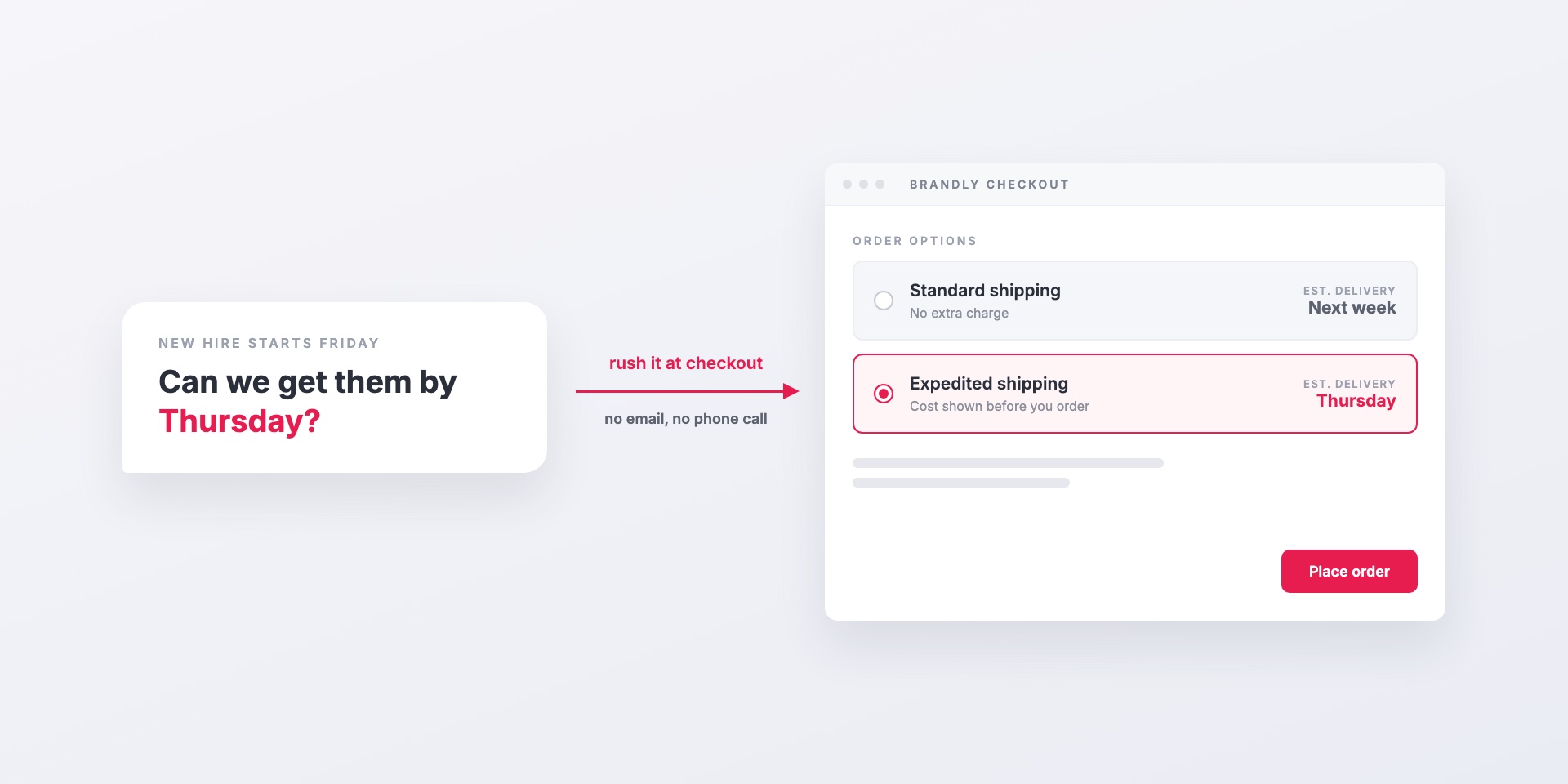
When someone needs business cards by a specific day, they can choose expedited shipping or enter a needed-by date right at checkout. Admins decide who on the team can use...
Brandly's wider catalog adds letterhead, envelopes, notepads, name badges and promotional items to the same portal your team already uses for business cards, with the same templates, employee details and...
You don't have to pay for business cards by card. With Business Plus, Brandly invoices your company on Net 15 terms, paid by ACH, check or card, per order or...
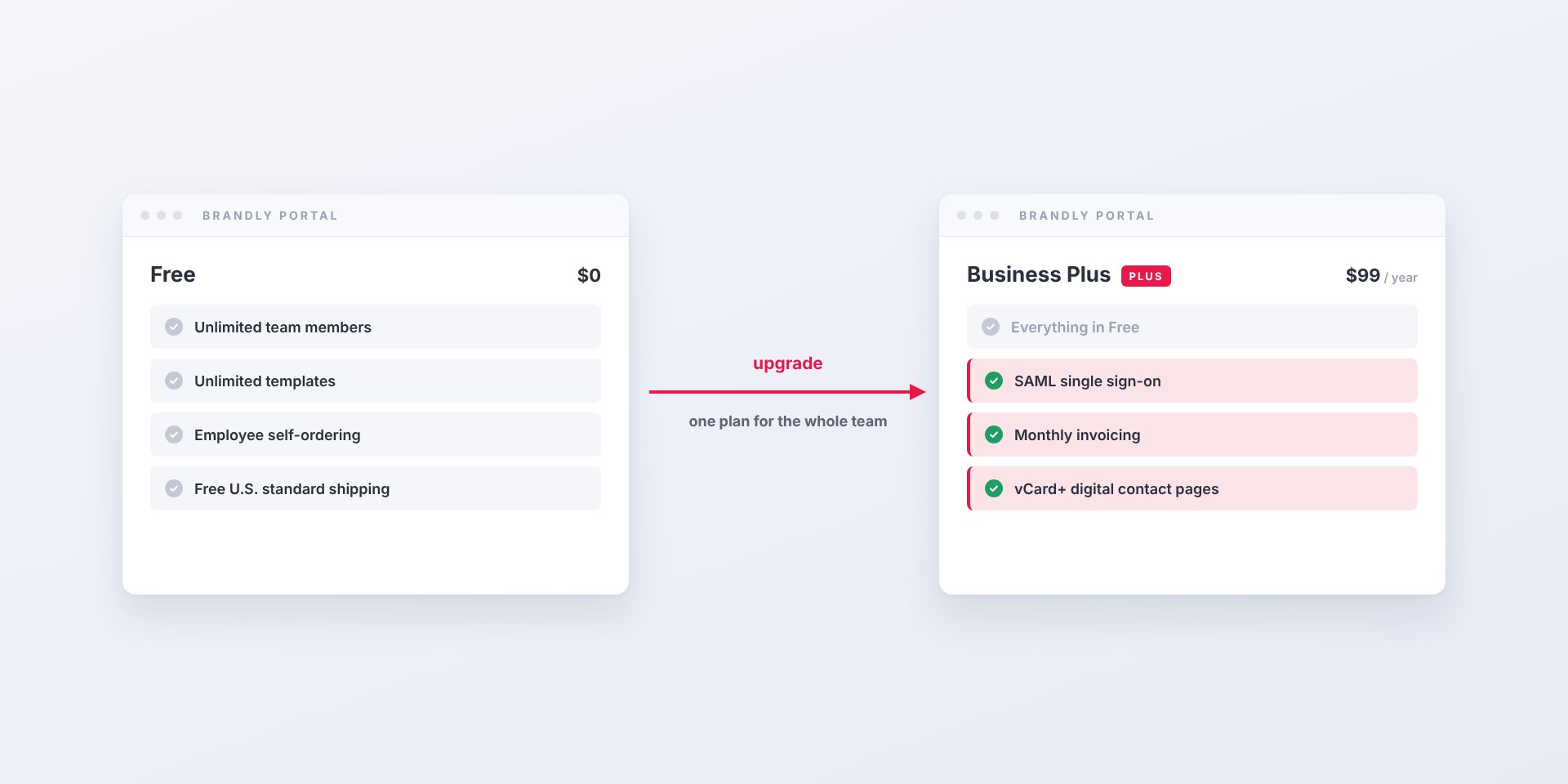
The Brandly business card portal is free. Business Plus adds SAML single sign-on, monthly invoicing and vCard+ digital contact pages for $99 a year per team.
How PunchOut lets your team order business cards without leaving Coupa, SAP Ariba or TradeCentric — what the round trip looks like, what setup takes, and why many buyers need...
Discover nine powerful features of QR code business cards—from editable contact info to digital sharing, tracking, customization, and more. Learn how they can elevate your team’s networking and efficiency.
Learn why design consistency drives brand awareness, trust, and conversions—and how to keep branding cohesive with guidelines, templates, approvals, and centralized assets across every touchpoint.
Learn a practical framework to evaluate rebranding ROI—set objectives, baseline key metrics (awareness, recognition, conversion, CLV, CAC), and track outcomes post‑launch to decide if a rebrand is worth it.
Ensure your business card designs print flawlessly with a professional final handoff and printing workflow. Protect quality, streamline client experience, and standardize specs for consistent results.
Avoid five common brand identity mistakes—and learn practical fixes to align mission, design, and signaling so your brand is distinctive, consistent, and scalable.
Learn how real estate agents can create and order professional business cards with ease. Discover must-have elements, design tips, and how to get started with Brandly’s fast, customizable platform.
Discover the top design tips and premium materials for creating standout real estate business cards. Learn how to impress clients and keep your brand consistent with Brandly.
Learn how to order real estate business card samples the right way—paper types, finishes, colors, layouts, and must-have info—plus practical tips to help you win more clients.
Explore 13 brilliant real estate business card examples with design tips (QR codes, foil, headshots, minimalist layouts) to build trust, win clients, and stay on-brand.
Learn how to order real estate business card samples the right way—paper types, finishes, colors, layouts, and must-have info—plus practical tips to help you win more clients.
Explore 13 brilliant real estate business card examples with design tips (QR codes, foil, headshots, minimalist layouts) to build trust, win clients, and stay on-brand.
Learn how to add social media icons to business cards with 10 inspiring examples, design tips, and a free icon pack to boost brand visibility and engagement.
Learn how to add social media icons to business cards with 10 inspiring examples, design tips, and a free icon pack to boost brand visibility and engagement.
Recent updates to the Brandly business card portal: a dashboard built around ordering, list and grid views for teams with many templates, and a way for admins to send saved...
Group filtering lets one Brandly portal serve several brands, offices or departments. Each employee sees only the templates, products and shipping addresses for their group, and admins can still see...
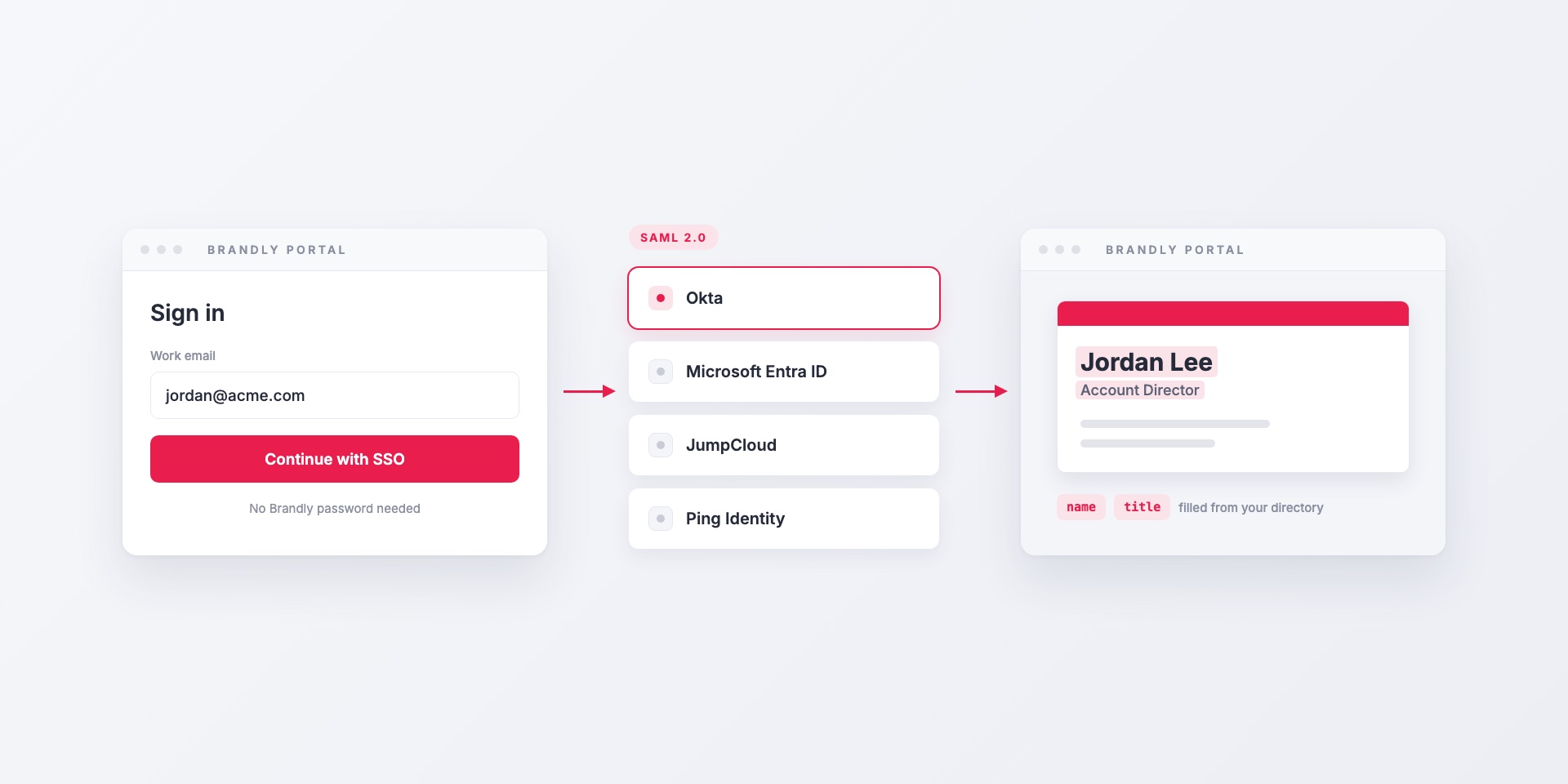
Brandly supports SAML 2.0 single sign-on with Okta, Microsoft Entra ID, JumpCloud, Ping Identity and any other SAML identity provider. Here's how it works, which attributes to map, and how...
When someone needs business cards by a specific day, they can choose expedited shipping or enter a needed-by date right at checkout. Admins decide who on the team can use...
vCard+ puts a QR code on your printed business cards that opens a personal digital contact page. One tap saves the contact to the phone, and details update without reprinting....
Brandly's wider catalog adds letterhead, envelopes, notepads, name badges and promotional items to the same portal your team already uses for business cards, with the same templates, employee details and...
You don't have to pay for business cards by card. With Business Plus, Brandly invoices your company on Net 15 terms, paid by ACH, check or card, per order or...
The Brandly business card portal is free. Business Plus adds SAML single sign-on, monthly invoicing and vCard+ digital contact pages for $99 a year per team.
Brandly now sends business card invoices straight into Coupa as cXML. Your team keeps ordering on brandly.com; AP gets invoices matched to the PO, not PDFs.
How PunchOut lets your team order business cards without leaving Coupa, SAP Ariba or TradeCentric — what the round trip looks like, what setup takes, and why many buyers need...
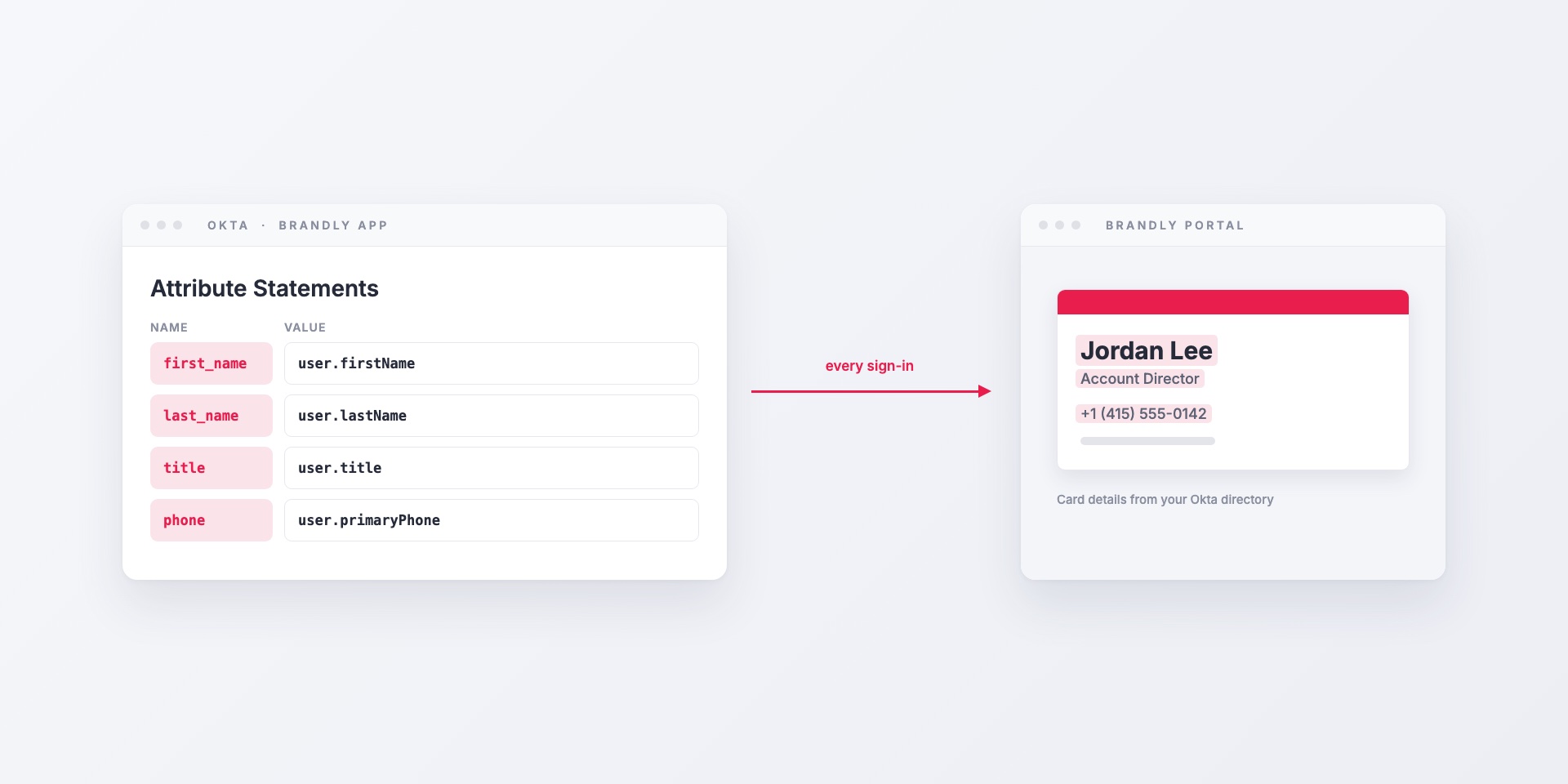
How to connect Brandly to Okta with SAML single sign-on: creating the app integration, mapping Okta profile fields to business card details, assigning groups, and offboarding.
Learn how real estate agents can create and order professional business cards with ease. Discover must-have elements, design tips, and how to get started with Brandly’s fast, customizable platform.
Wondering if you should add a photo to your business card? Learn how to easily customize and order photo-ready business cards with Brandly’s online portal.
Learn what a business card portal is, the key features to look for (editable templates, approvals, reorders), and how to choose the right option to streamline team-wide ordering.
Learn a simple three-step system to manage and order team business cards using templates, a centralized portal, and approvals—so every card stays on-brand.
Streamline business card ordering with on-brand templates, self-serve edits, and approval workflows. Learn how to simplify the process for teams using a business card portal.
Learn how business card automation, standardized templates, and approval workflows cut ordering time and costs for growing teams—and how to get started.
Discover how large companies use a business card portal with self-serve templates and approval workflows to manage, edit, and print business cards for employees at scale.
Brandly supports SAML 2.0 single sign-on with Okta, Microsoft Entra ID, JumpCloud, Ping Identity and any other SAML identity provider. Here's how it works, which attributes to map, and how...
How to connect Brandly to Okta with SAML single sign-on: creating the app integration, mapping Okta profile fields to business card details, assigning groups, and offboarding.
Learn the difference between Google Workspace and the Marketplace—and how to use both to streamline operations and boost productivity for your business.
Learn a simple three-step system to manage and order team business cards using templates, a centralized portal, and approvals—so every card stays on-brand.
Learn how to upload your business card PDF, make it an editable template, and update the design easily with Brandly—perfect for teams, rebrands, and adding features like QR codes.
Brandly supports SAML 2.0 single sign-on with Okta, Microsoft Entra ID, JumpCloud, Ping Identity and any other SAML identity provider. Here's how it works, which attributes to map, and how...
Brandly now sends business card invoices straight into Coupa as cXML. Your team keeps ordering on brandly.com; AP gets invoices matched to the PO, not PDFs.
How PunchOut lets your team order business cards without leaving Coupa, SAP Ariba or TradeCentric — what the round trip looks like, what setup takes, and why many buyers need...
How to connect Brandly to Okta with SAML single sign-on: creating the app integration, mapping Okta profile fields to business card details, assigning groups, and offboarding.