Pay for Business Cards Your Way: Invoicing, Net 15 and ACH
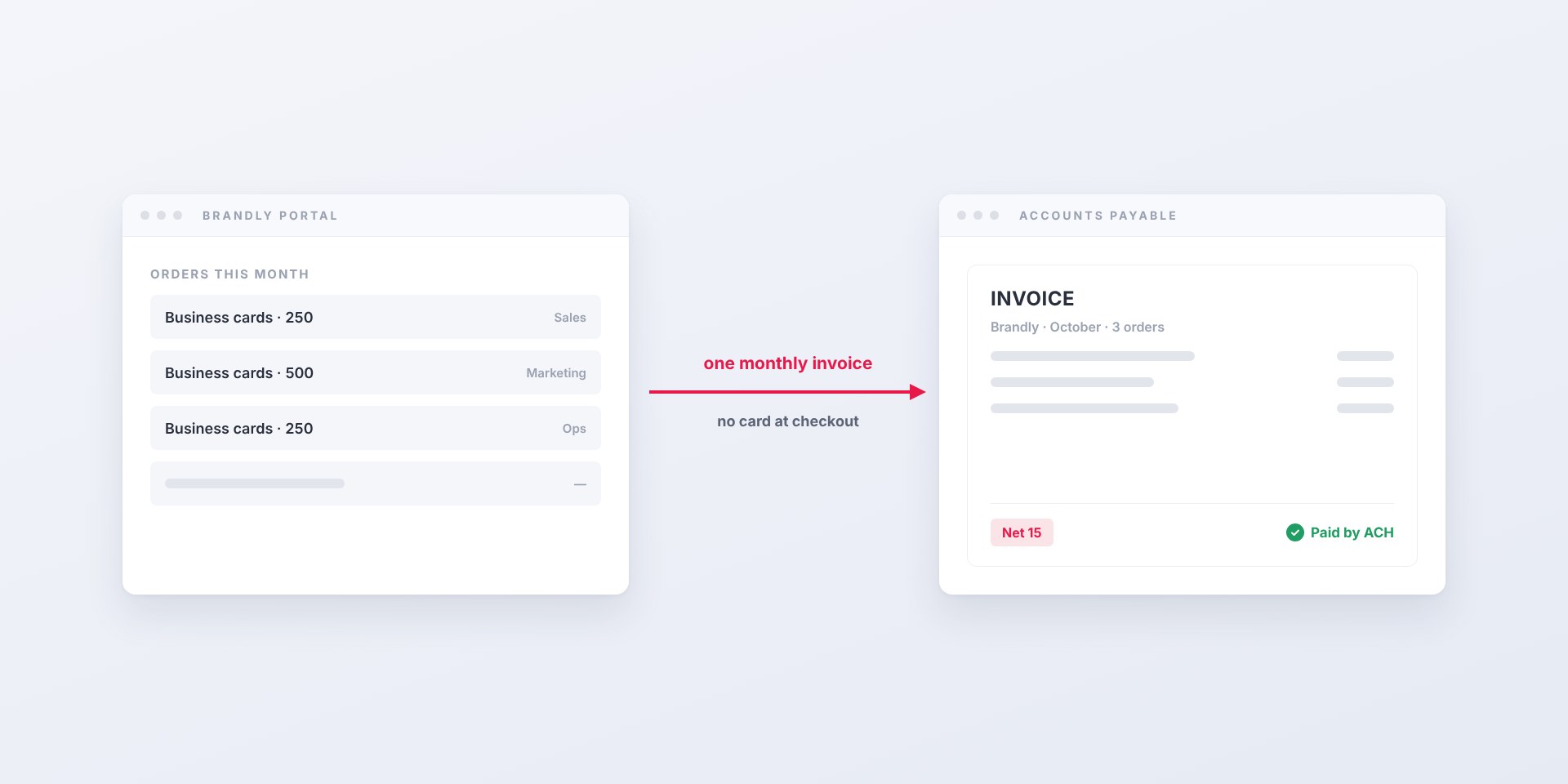
“Do we have to pay by card?” It’s one of the first questions finance asks when a team wants to roll out a business card portal. Corporate cards mean receipts to chase, expense reports to file, and spend that’s scattered across whoever happened to place the order.
The answer is no. With the Business Plus plan, Brandly bills your company on terms instead. Your team orders without touching a credit card, and finance gets an invoice, payable by ACH or check, on a schedule that fits how you already close the books.
Your billing options
By default, each order is paid by card at checkout. Invoicing is part of Business Plus, $99 a year for your whole team. With it turned on, Brandly bills the company instead, and you choose three things:
| Setting | Options | Default |
|---|---|---|
| Payment terms | Net 15 | Net 15 |
| How you pay | ACH bank transfer, check or credit card | Your choice |
| How often you’re invoiced | Every order, semi-monthly or monthly | Your choice |
| Who receives the invoice | Any contact you name, such as AP | Set at setup |
With monthly or semi-monthly billing, one invoice covers every order placed in the period, so AP processes a single bill instead of dozens of small ones.
How it works day to day
For the person ordering
Nothing gets harder. They pick a template, proof their cards and check out, with no card number to enter and no expense report afterward. If your portal already uses approvals, those still apply.
For finance and AP
- Orders roll up. Everything your team orders in the billing period is collected onto one invoice, or invoiced one at a time if you prefer.
- The invoice goes to your AP contact, on Net 15 terms.
- You pay by ACH, check or card, whichever your AP process uses.
- Past invoices are always on hand. Admins can view, download and pay invoices under Billing → Invoices in your Brandly account.
Paying by check
Mail checks, made out to Brandly, Inc., to our remittance address:
Brandly, Inc.
2995 Woodside Rd, Suite 400
Woodside, CA 94062
Include your invoice number with the payment so we can apply it to the right invoice. For billing questions, email [email protected].
Using Coupa?
Brandly can also deliver the invoice straight into Coupa as cXML instead of by email. See Business Card Invoices That Land in Coupa.
Why finance teams prefer invoicing
- No corporate cards in the loop. Nobody needs a company card, or their own card and a reimbursement, just to order business cards.
- One bill instead of many. A monthly invoice replaces a stream of small card charges, which makes reconciliation a single line.
- Pay the way AP already pays. ACH and checks fit the vendor-payment process most finance teams run today.
- Predictable timing. Net 15 terms on a set schedule means business card spend lands at the same point every month.
- One vendor relationship. Spend that used to be scattered across employees’ cards shows up as one supplier with one invoice history.
Where to start
Invoicing comes with Business Plus, so start there:
- Turn on Business Plus. A team admin can upgrade under Billing → Plan in your Brandly dashboard. The $99 annual fee is charged to a saved credit card.
- Pick an invoice contact: who the invoice goes to, and the email address to send it to.
- Choose how you’ll pay: ACH, check or credit card, on Net 15 terms.
- Choose your billing frequency: every order, semi-monthly or monthly.
Send the last three to your Brandly account manager and we’ll switch your team over. Orders placed after that are invoiced instead of charged at checkout.
New to Brandly? Set up your free business card portal and tell us on your first call that you’d like Business Plus with invoicing.
Set Up Your Free Business Card Portal
Get Started