Business Card Invoices That Land in Coupa, No PunchOut Required
If your company runs on Coupa, a PDF invoice in someone’s inbox is a problem. Someone has to download it, key it in, find the PO it belongs to, and chase approval. Multiply that by every reorder of business cards and it adds up.
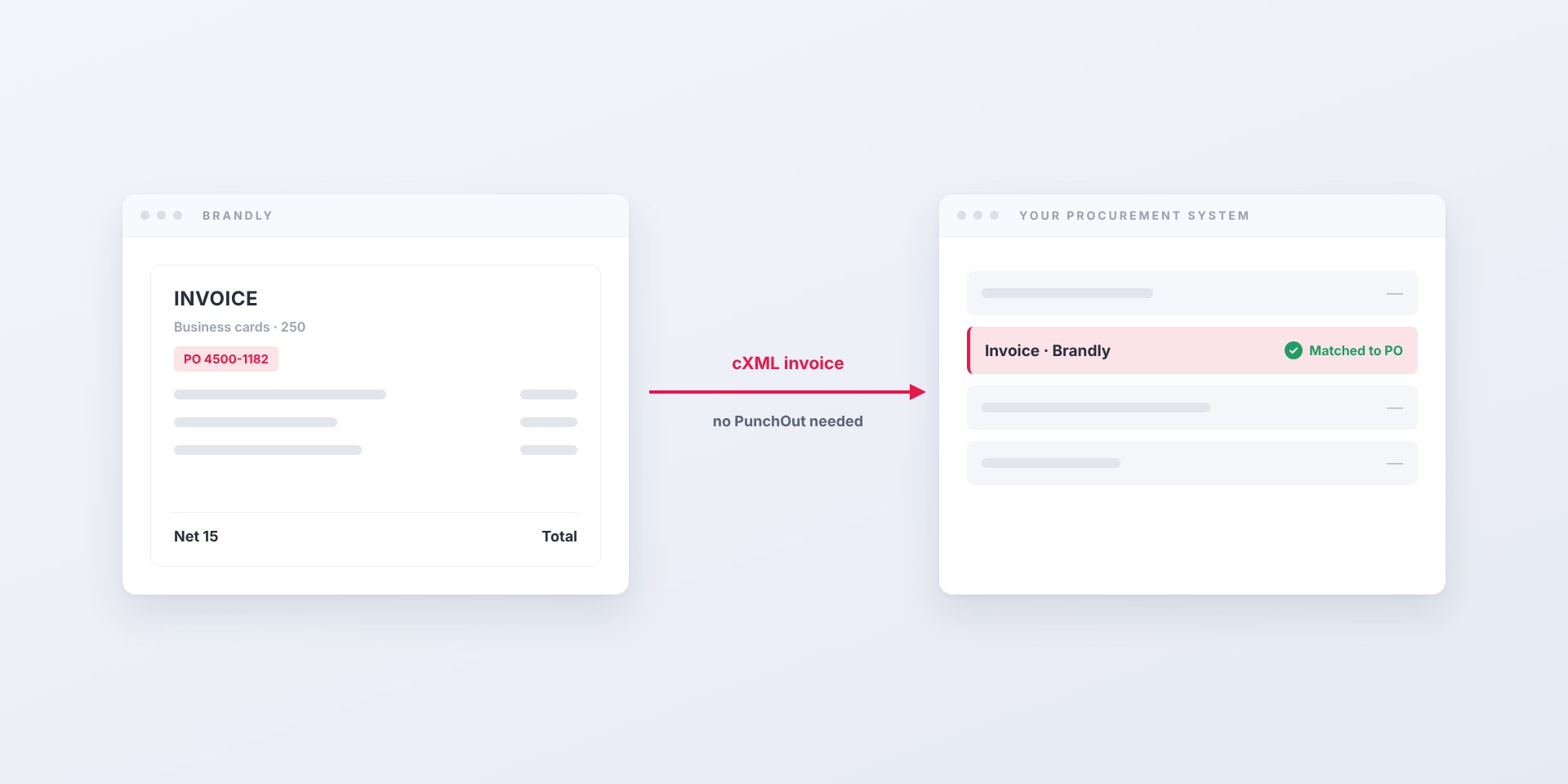
Brandly now sends invoices straight into Coupa as cXML. Your team keeps ordering on brandly.com exactly as it does today. The invoice simply shows up in your procurement system, ready to match and approve, instead of arriving as an attachment.
And unlike PunchOut, it doesn’t require any changes to how anyone shops.
What cXML invoice delivery actually does
cXML is the structured data format procurement systems like Coupa use to talk to suppliers. When an invoice arrives as cXML, Coupa can read it directly: the line items, the amounts, and the purchase order it belongs to. No one has to retype anything.
With invoice delivery turned on, Brandly takes the finished invoice for your order, converts it to cXML, and posts it to your company’s accounts payable endpoint in Coupa. That’s the whole change.
What the person ordering sees
Nothing new. They log in to your Brandly portal, pick a template, proof their cards, and check out. They never touch Coupa, and they don’t need a procurement login.
What accounts payable sees
An invoice that appears in Coupa on its own, already tied to your PO, instead of a PDF that needs to be forwarded, downloaded, and entered by hand.
How it works
Invoice delivery is added to the end of Brandly’s normal invoicing. Nothing before it changes.
- Your team orders on brandly.com. Same portal, same templates, same approvals you already have in Brandly.
- Brandly invoices the order. On the payment terms and schedule you’ve chosen, per order or monthly.
- The invoice is converted to cXML. It references your purchase order and identifies Brandly as the supplier with our DUNS number.
- Brandly posts it to your Coupa AP endpoint. It lands in Coupa like any other supplier invoice.
- Coupa matches and routes it. Your existing approval rules take it from there.
If a delivery ever fails, our team is alerted and follows up, so an invoice doesn’t quietly go missing.
Why procurement and AP teams ask for it
Most large Coupa customers prefer, and many require, that suppliers invoice electronically. Here’s what it fixes:
- No manual entry. Line items and totals arrive as data, not a document someone has to read and retype.
- Faster matching. The invoice carries the PO reference, so Coupa can match it without detective work.
- Fewer lost invoices. Nothing sits in a shared inbox waiting to be forwarded.
- Easier supplier onboarding. Being able to invoice through Coupa is often one of the boxes a vendor has to tick before purchasing will approve them.
For the people ordering cards, nothing changes. For AP, business cards stop being the odd vendor that still sends PDFs.
Invoice delivery or PunchOut?
These two get confused because both use cXML, but they solve different problems. Invoice delivery moves the bill into Coupa. PunchOut moves the shopping into Coupa. Setting up one does not set up the other.
| cXML invoice delivery | PunchOut | |
|---|---|---|
| Where people order | brandly.com, as today | Inside Coupa or Ariba, via a catalog link |
| What reaches procurement | The invoice | The cart, then the approved PO |
| Changes for the person ordering | None | Starts from the procurement catalog |
| Setup effort | Light: an AP endpoint and credentials | A coordinated setup and test session |
If your main pain is PDF invoices, start with invoice delivery. If procurement wants every purchase to begin inside Coupa, you need PunchOut, and you can run both.
Where to start
Setup is short, and most of it is information your AP or Coupa admin already has:
- Your Coupa AP endpoint and credentials, usually from your supplier enablement or procurement team.
- The PO to invoice against, typically a blanket PO for business cards and print.
- Billing preferences: payment terms (Net 15 by default) and whether you want an invoice per order or one monthly invoice.
We configure it on our side, send a test invoice, and confirm it lands where AP expects it. Your team keeps ordering the whole time.
Already a Brandly customer on Coupa? Reply to your account manager or email us and we’ll get invoice delivery turned on. New to Brandly? Set up your free business card portal and ask about Coupa invoicing on your first call.
Set Up Your Free Business Card Portal
Get Started