Bulk Business Cards: What to Know Before You Order
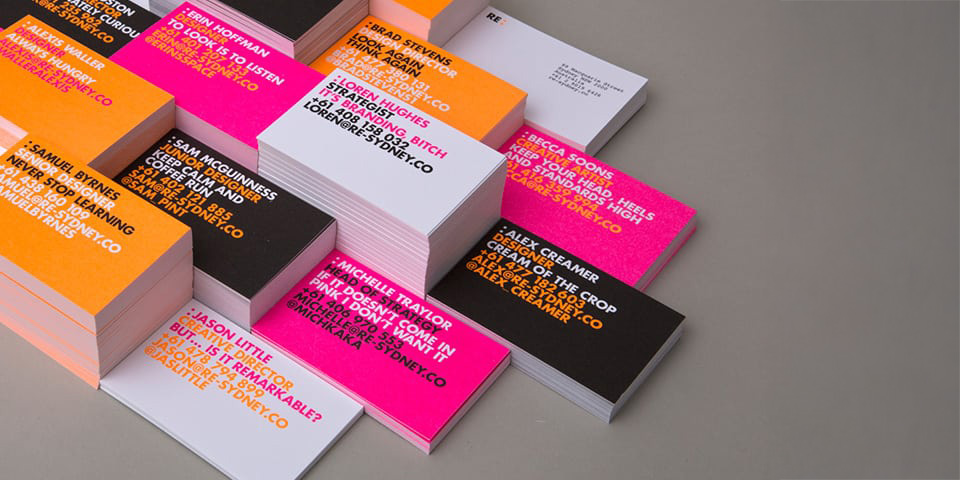
Creating and printing a single business card is straightforward—you upload a design, add text, hit print, done.
But when your team is growing fast, managing bulk business cards across departments can get messy—unless you set up the right system.
Content
- What does bulk ordering business cards even mean?
- Why you should bulk order business cards
- How to order and print your business cards in bulk
- Things to consider while bulk ordering your business cards
- Are you making the most of bulk ordering business cards?
Think about it: sales, marketing, finance—every team needs cards. Designing and re-ordering one by one is a headache.
Bulk ordering takes more upfront planning (who needs cards, what message, what specs), but if you’re outfitting entire teams or your whole company, it’s the most efficient path.
If you still need convincing, note that some analyses suggest hand-to-hand card sharing correlates with sales lift—for example, one summary estimates that for every 2,000 business cards handed out, sales increase by 2.5% (source). Treat it as directional, not a guarantee.
What does bulk ordering business cards even mean?
Bulk ordering = placing one coordinated order for many cards at once. The layout stays consistent while individual fields (name, title, phone, email, department) change per person or team.
It’s ideal for larger companies, fast-growing startups, and any organization that wants brand consistency at scale.
Why you should bulk order business cards
1. Save Time and Money
Centralized orders reduce admin drag and take advantage of production efficiencies. It’s usually more cost-effective to print larger, batched runs than many small orders over time. For general cost-saving context, see this overview on streamlining business expenses (Entrepreneur).
2. Avoid Confusing Customers
Bulk orders enforce one on-brand design across roles. That consistency helps you avoid mismatched color palettes and rogue layouts that confuse prospects (see branding pitfalls around inconsistency from Bynder’s perspective: Bynder).
Imagine a prospect receives two different designs from your sales and marketing teams—mixed signals undermine trust.
3. Keep Things Consistent
Brand recall increases when customers see the same colors, fonts, and visual system repeatedly (Forbes).
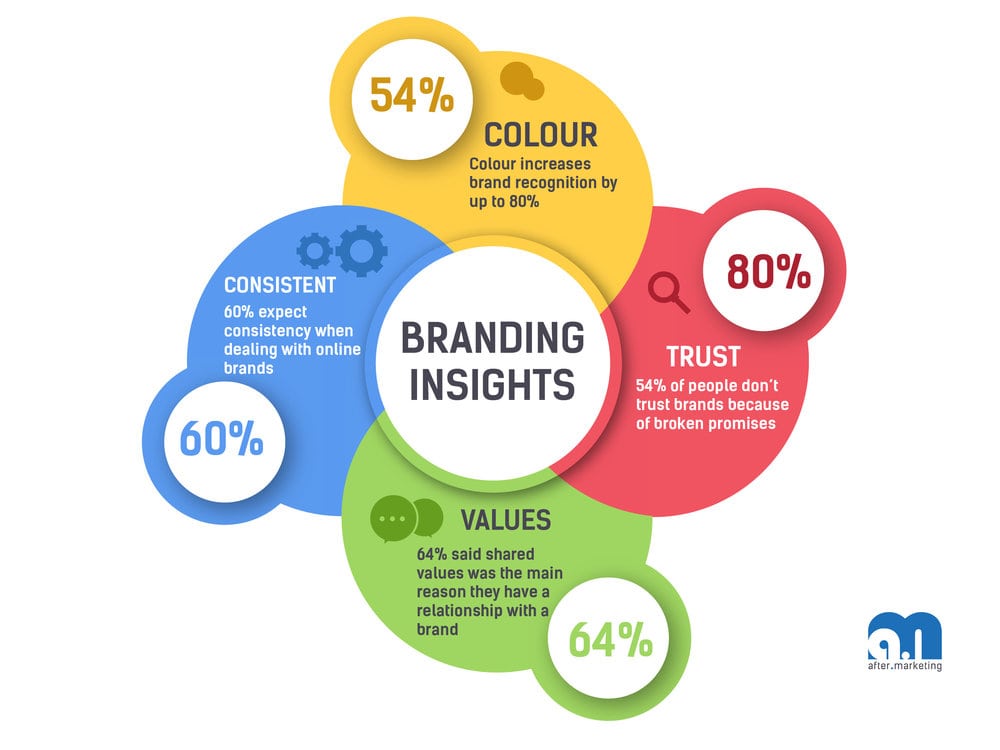
Bulk ordering makes it easier to lock standards and prevent drift with each new reprint.
How to Order and Print Your Business Cards in Bulk
Things to Consider Before You Bulk Order Your Business Cards
Nail Down Your Design
Decide the master layout before you print. Define typography, color, logo placement, and which fields are editable per employee. For a deeper design checklist, see our guide:
10 Essential Rules for Designing Your Business Card
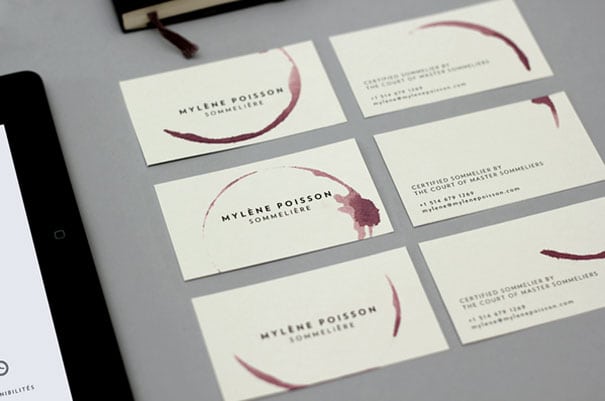
Include on every card:
- Brand colors and logo
- Individual name and job title
- Contact details (email, phone, web/QR)
Think About Who Your Business Cards Are For
Decide which departments and roles need individual cards. For some teams, a department-level card (shared inbox/phone) is enough; for others, personal cards are essential.
Create a One-Size-Fits-All Design
Build a master template that fits everyone: fixed brand elements + editable fields.
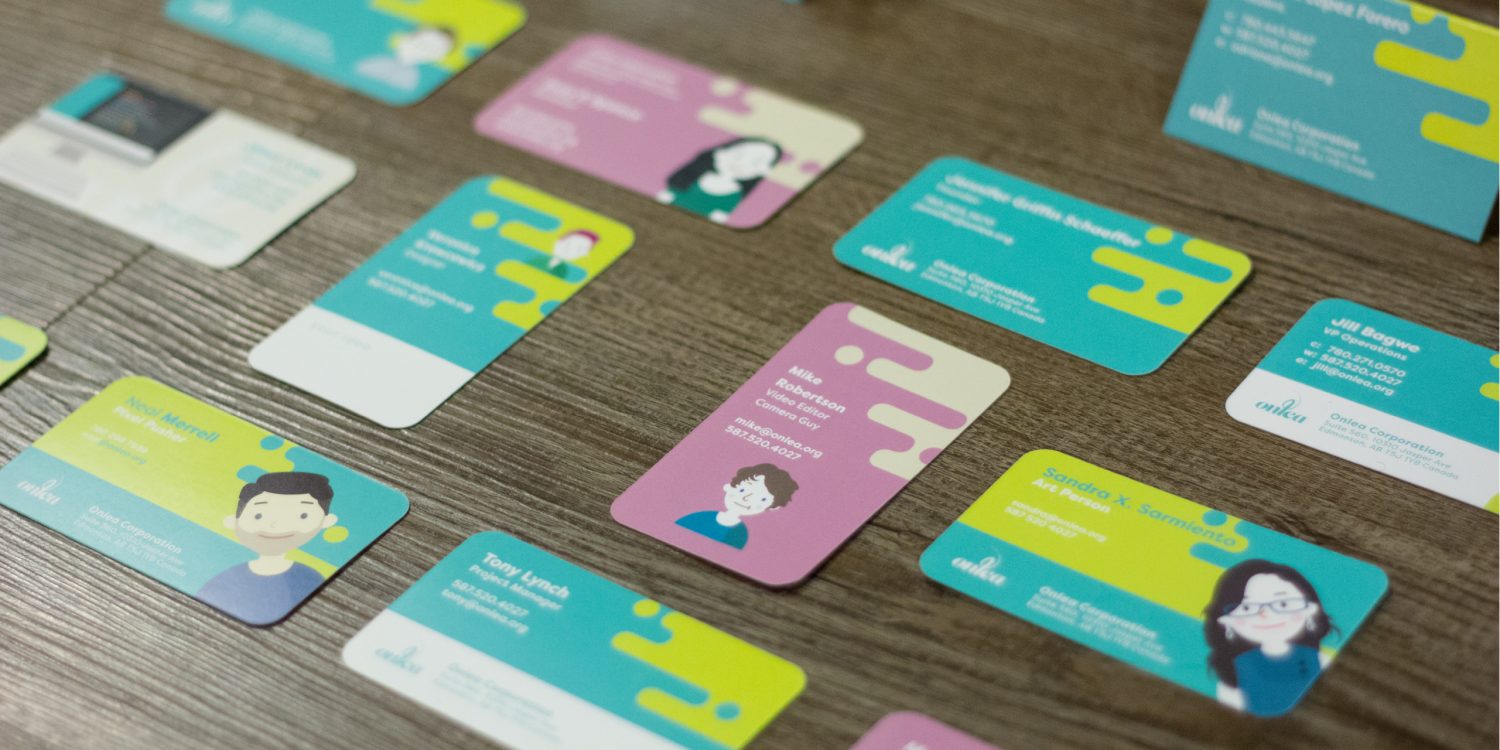
With Brandly, you can store department-specific templates, lock brand elements, and let admins or employees fill in the rest.
The Message You Want to Send Out
Your finish, imagery, and language all signal something. Choose fonts, iconography, and coatings (matte/soft touch/foil) that match your brand personality.
Things to Consider While Bulk Ordering Your Business Cards:
The Shape Of Your Business Card
Rectangles are standard, but unique shapes can help you stand out.
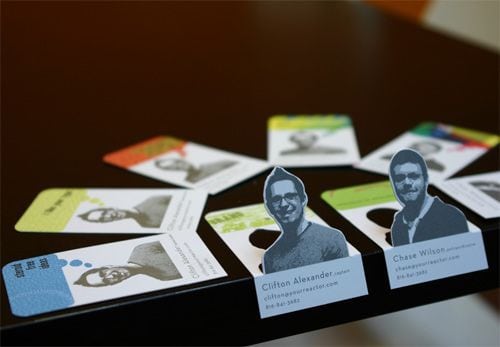
Browse inspiration for unconventional formats (Mashable).
The Size of Your Business Card
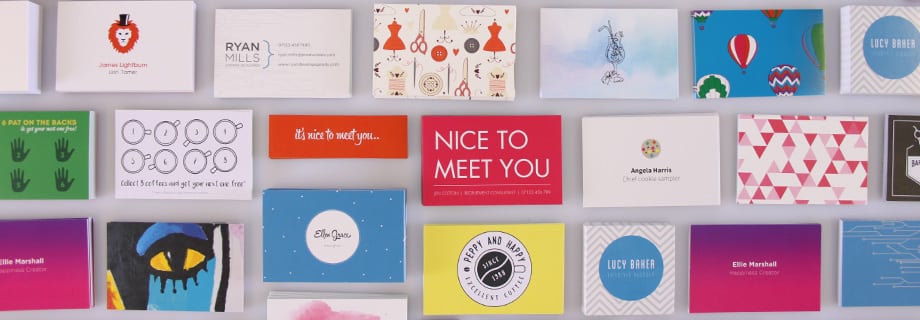
Slightly different dimensions can make your card more noticeable in a stack. If you change size, apply it consistently across the org to maintain a uniform brand experience.
The Paper Quality for Bulk Business Cards
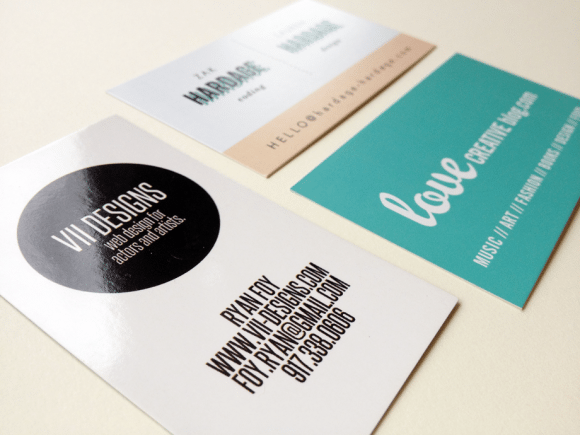
Paper weight and finish affect perception. Matte often feels understated and premium; gloss can make colors pop. Consider how coatings pair with your brand palette.
Things to Consider After You’ve Bulk Printed Your Business Cards
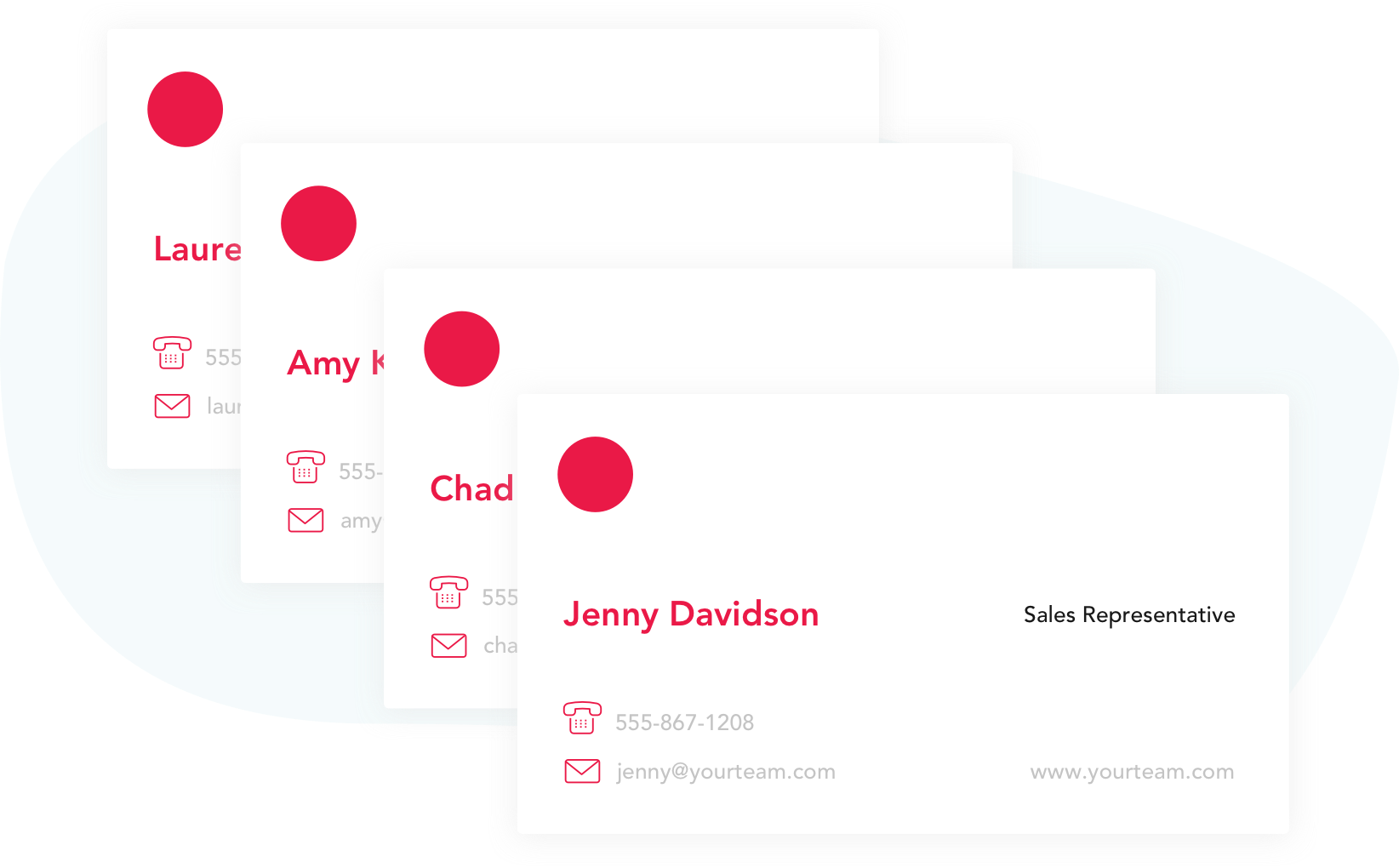
Don’t let all that setup vanish between orders. Save your templates and specs so reorders are fast and identical.
With Brandly, you can store every department’s template, manage roles, and lock key elements for compliance—so reorders become a few clicks instead of a redesign.
That way, you can place large orders ahead of hiring waves, events, or product launches—without starting from scratch.
Are You Making the Most of Bulk Ordering Business Cards?
If your team is growing, batch printing saves time and money while keeping your identity consistent.
Remember: your card is often a first impression. Cohesive design, accurate info, and quality finishes help your brand rise above the stack.
Want more actionable tips to level-up branding, design, and marketing? Subscribe to our newsletter—delivered to your inbox once a month.
Set Up Your Free Business Card Portal
Get Started