The Only Realtor Business Card Guide You’ll Need
- Introduction to Realtor Business Cards
- Essential and Required Elements
- Create an Effective Design
- Additional Considerations
- Realtor Business Card Design Ideas
- The Takeaway
Introduction to Realtor Business Cards
Creating a strong first impression is always important in business—especially for Realtors. Buyers and sellers often meet several agents before choosing who to work with. That’s why you need to distinguish yourself with excellent service and make sure prospects have an easy way to reach you.
That’s where your business card (and a confident smile) come in.
Realtor business cards are more than slips of paper with contact details. They’re credibility-builders, mini billboards, and timeless sales tools.
But is your Realtor business card optimized to win clients? Let’s explore what every Realtor card needs.
Essential and Required Elements
Licensing & Requirements
Before anything else, check your state’s real estate advertising rules. Best practice also means following the NAR Code of Ethics.
Most Realtor business cards should include:
- Your full licensed name (nicknames optional, but full name required).
- Your broker or brokerage firm name and business address.
- Your license type (Salesperson, Broker, REALTOR®).
- Your license number (where required).
These details confirm you’re a legitimate, licensed professional.
Name
Your name is the most important part of your card. It’s how you introduce yourself and how prospects will remember you.
Tip: Adding a nickname can make you feel approachable.
Contact Information
Provide multiple ways to connect:
- Phone number
- Email address
- Website or property listings
According to a Realtor report, 90% of buyers use the internet to start their home search, making a website link essential.
Credentials
If you’re a REALTOR®, show it proudly. Membership in the National Association of Realtors signals advanced training, ethical standards, and credibility.

Tip: Add logos for your brokerage, affiliations, or certifications to build trust.
Create an Effective Design
Keep It Simple
Avoid clutter. Too much text or graphics can overwhelm and distract. Use white space to highlight your most important details.
Stay On Brand
Your business card should look consistent with your website, email signature, and social media. Use the same brand colors, typography, and tagline for seamless recognition.
Add Social Profiles
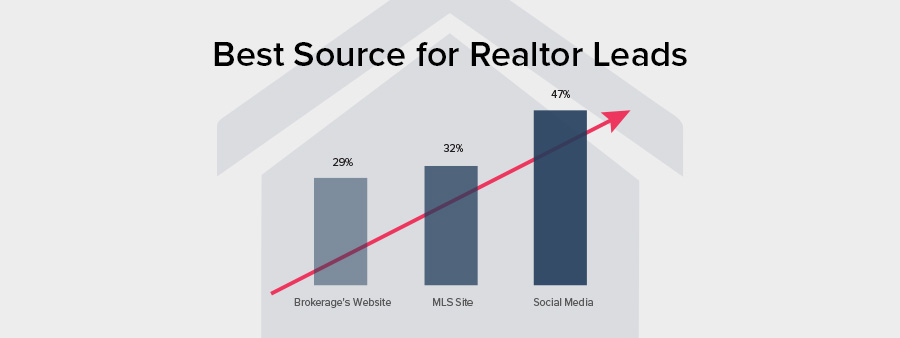
Social media is one of Realtors’ top lead-generation tools. Include Facebook, Instagram, or LinkedIn handles, and consider using icons for a polished touch.
Headshot or Not?
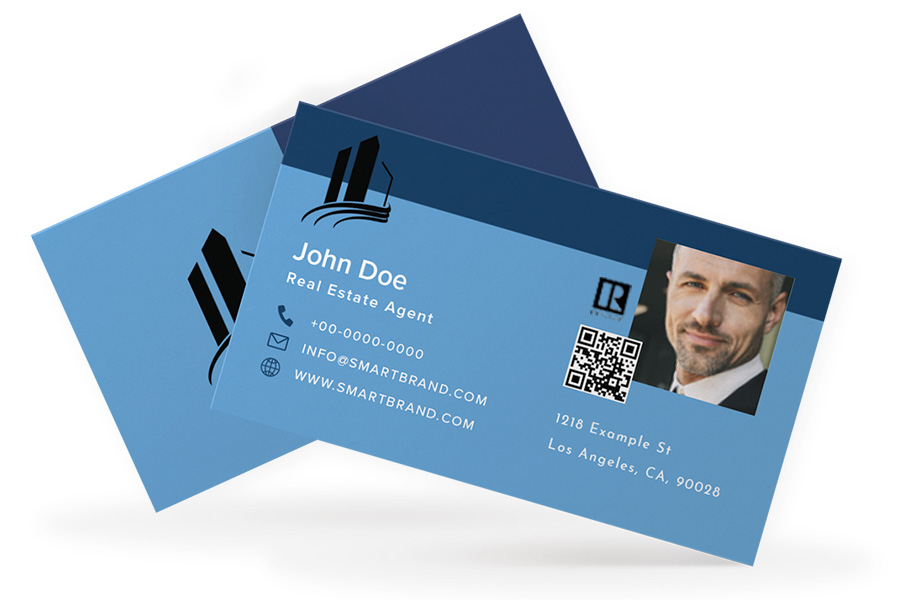
A professional headshot helps prospects remember you and can strengthen personal branding. If your photo is clear, professional, and aligned with your brand, use it. Otherwise, leave it off.
Add a QR Code
QR Codes make it easy to share your contact details or link directly to listings, your website, or social media. A tiny square can dramatically boost engagement.
Additional Considerations
Paper Quality
Your card’s material says a lot. Thick stock with foil accents signals luxury properties, while simpler gloss finishes suggest approachability and everyday service. Choose based on the impression you want to give.
Matching Email Signature
Reinforce your brand beyond the card. A professional email signature with your photo, links, and social icons keeps branding consistent and clickable.
Realtor Business Card Design Ideas
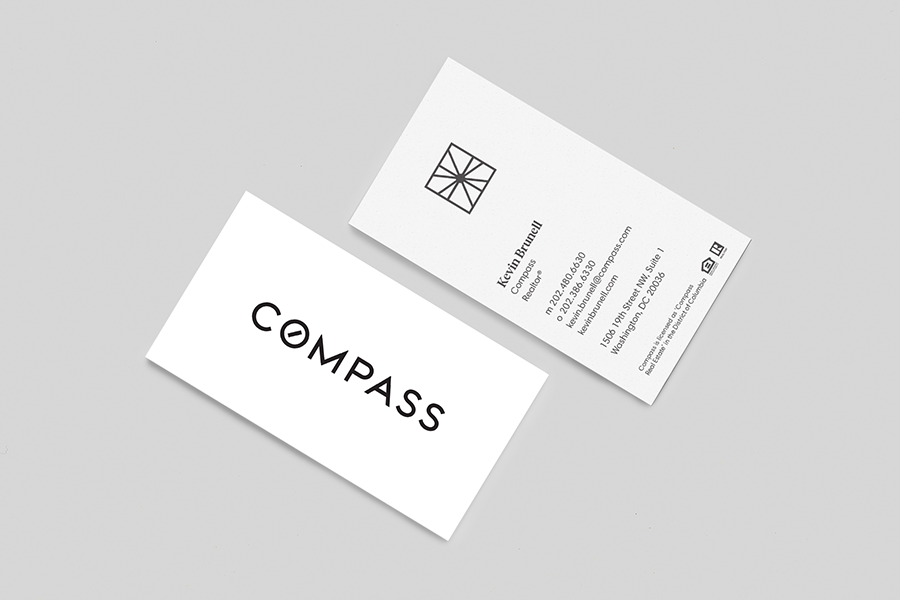
Designed by Tré Seals
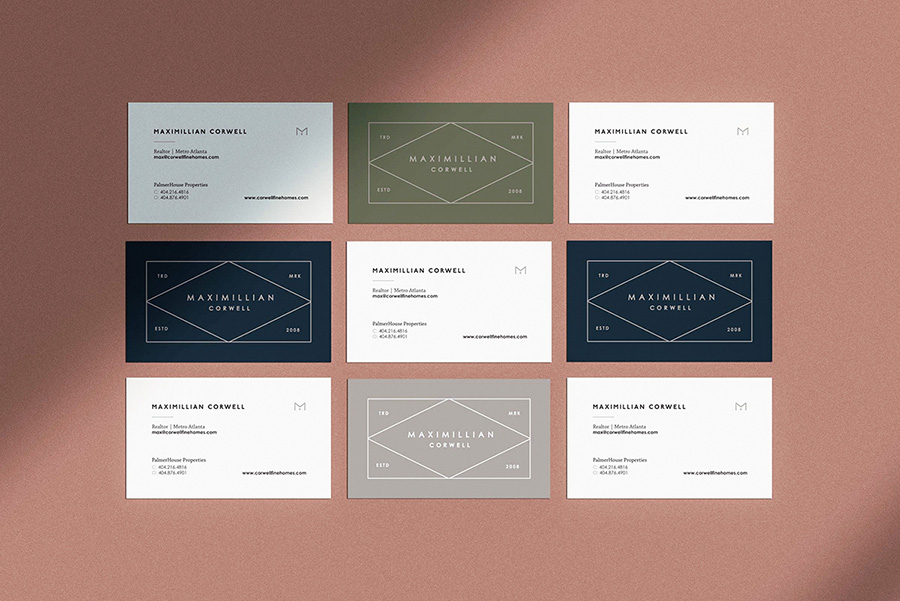
Designed by Kevin Craft for Maximillian Corwell Real Estate
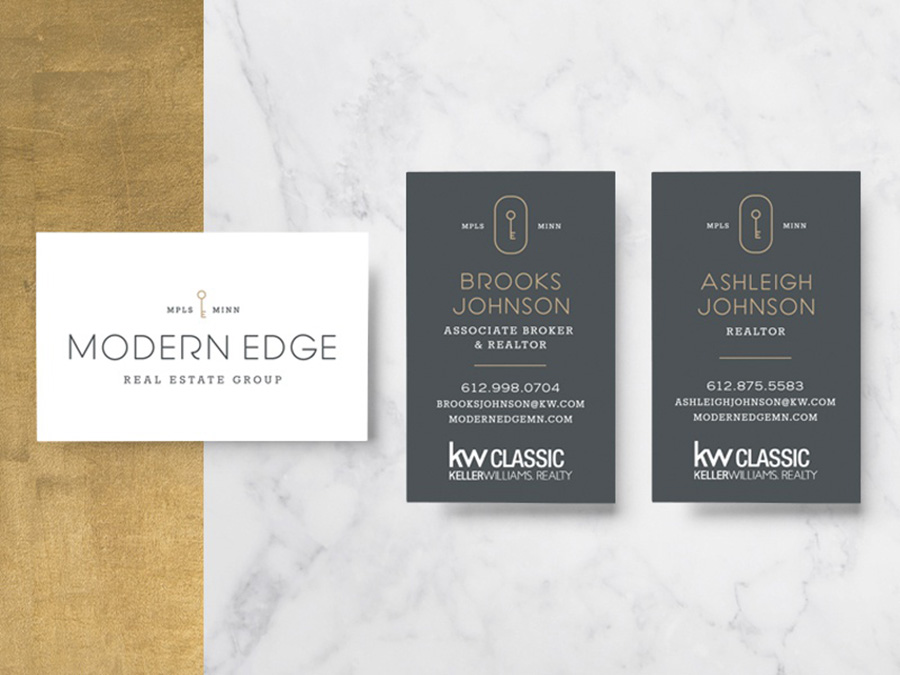
Designed by Phalen Reen
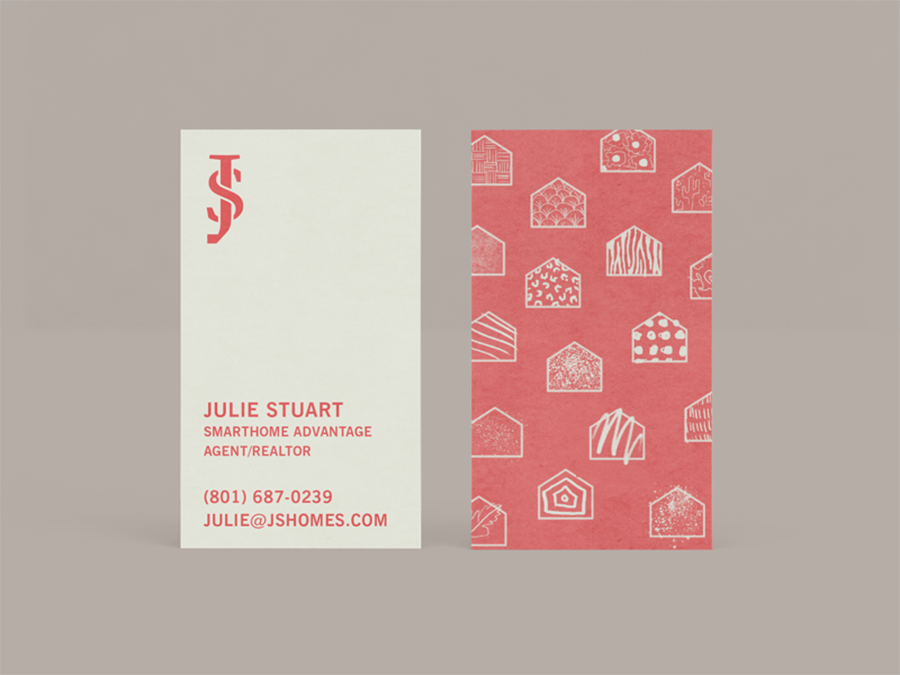
Designed by Brian Collier for Julie Stuart
The Takeaway
Business cards remain one of the most important tools in real estate. With the right details and design, your card can be the difference between closing a deal and losing one.
Brandly’s free business card portal makes it easy for Realtors and teams of any size to stay on-brand. Upload your design once, then let team members personalize and print their own cards—complete with headshots or QR codes.
Set Up Your Free Business Card Portal
Get Started