Digital Products
How to Add a Signature in Gmail (and Change It)
To add a signature in Gmail, go to Settings, See all settings, Signature, then Create new. Step-by-step screenshots for adding and changing it.
To add a signature in Gmail, go to Settings, See all settings, Signature, then Create new. Step-by-step screenshots for adding and changing it.
Learn the difference between Google Workspace and the Marketplace—and how to use both to streamline operations and boost productivity for your business.
Discover why we built Brandly’s email signature solution for entire workforces—and how it helps teams stay consistent, professional, and on-brand.
Para agregar una firma en Gmail, abre Configuración, Ver todos los ajustes, Firma y Crear. Guía paso a paso para agregar, cambiar y elegir tu firma predeterminada.
Outlook email signatures are like digital business cards. Learn how to create or update yours to look professional and boost your brand presence.
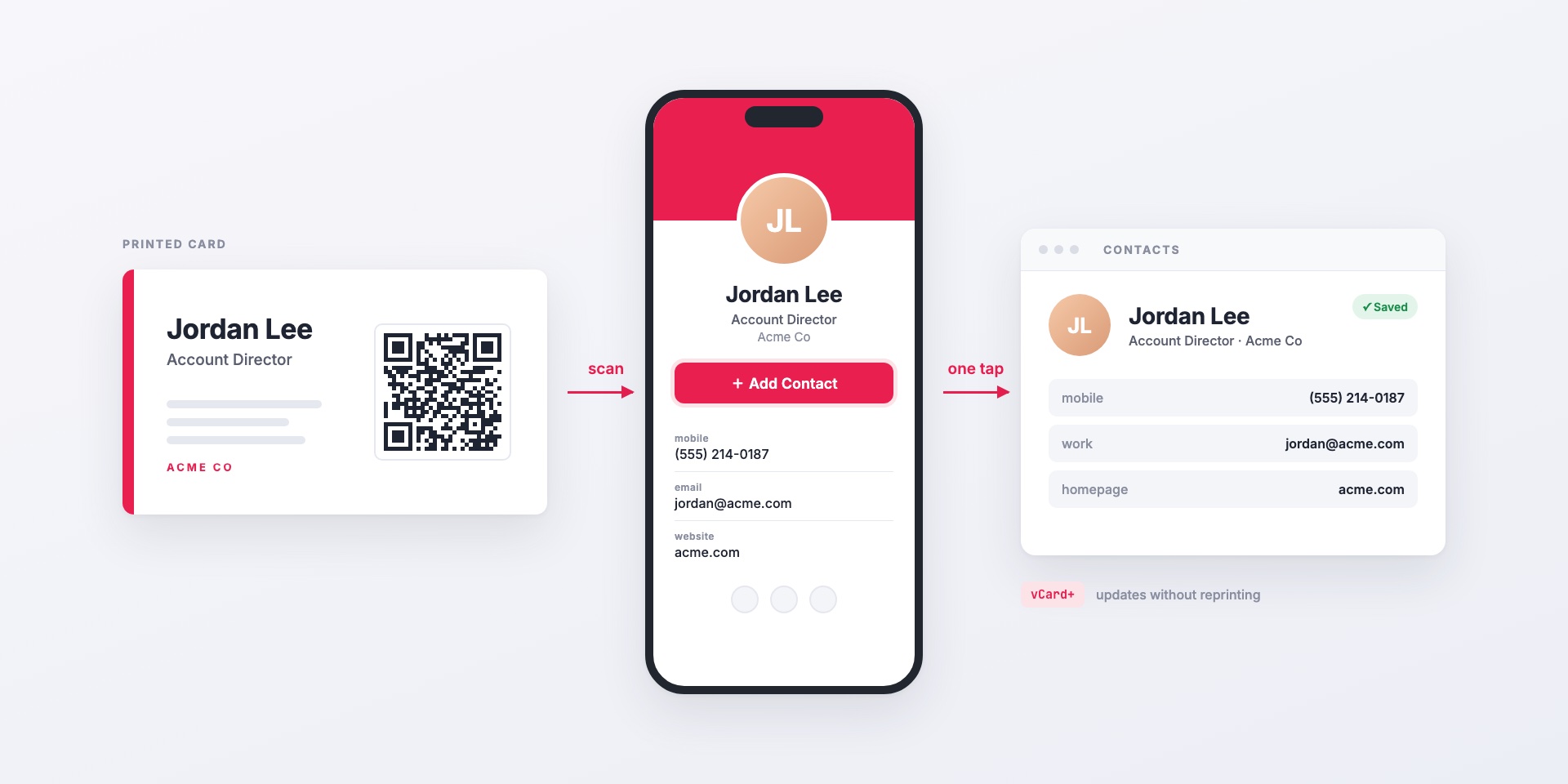
vCard+ puts a QR code on your printed business cards that opens a personal digital contact page. One tap saves the contact to the phone, and details update without reprinting....