Archive of posts with category 'Business Tools'
Para agregar una firma en Gmail, abre Configuración, Ver todos los ajustes, Firma y Crear. Guía paso a paso para agregar, cambiar y elegir tu firma predeterminada.
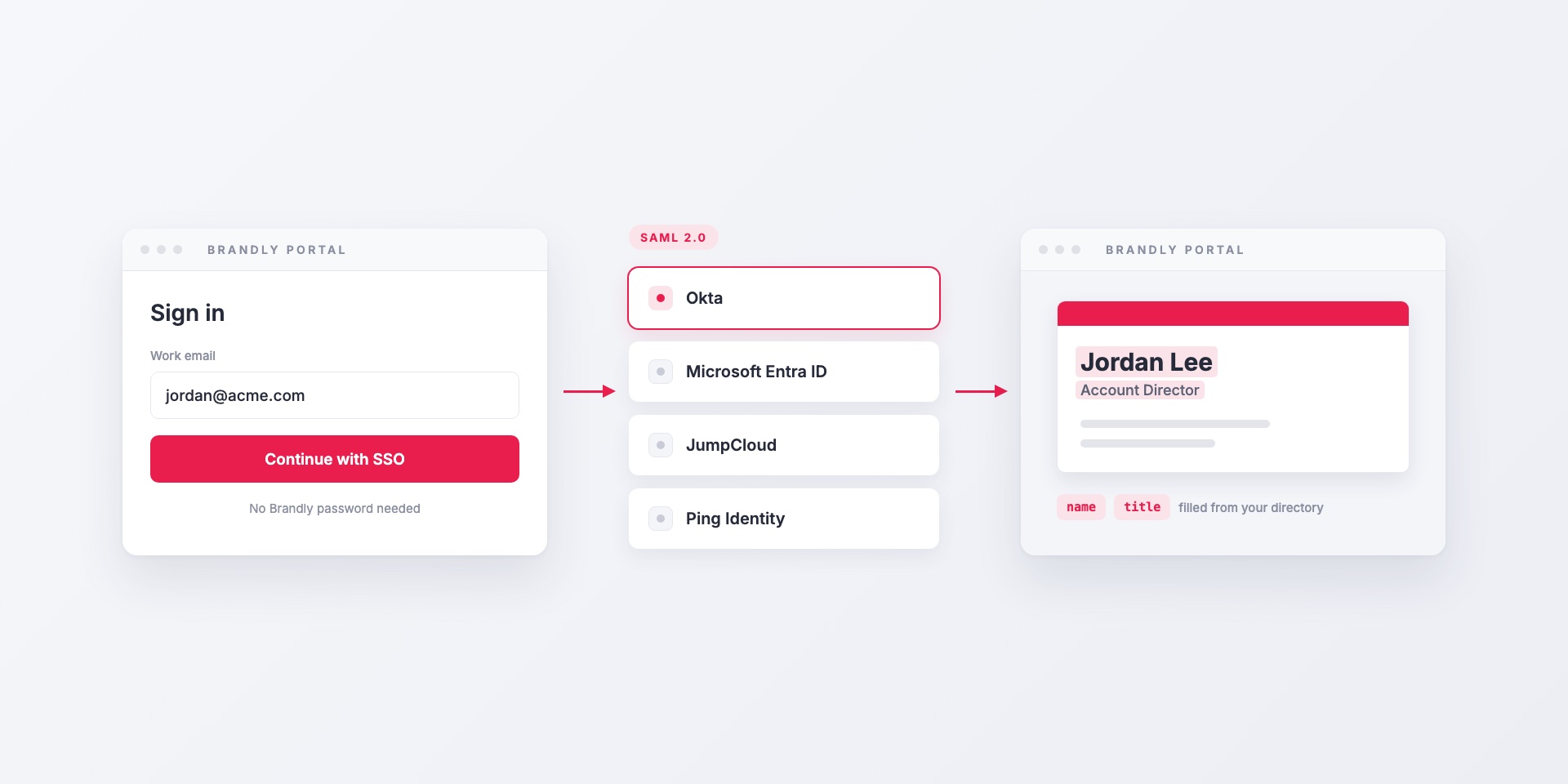
Brandly supports SAML 2.0 single sign-on with Okta, Microsoft Entra ID, JumpCloud, Ping Identity and any other SAML identity provider. Here's how it works, which attributes to map, and how...
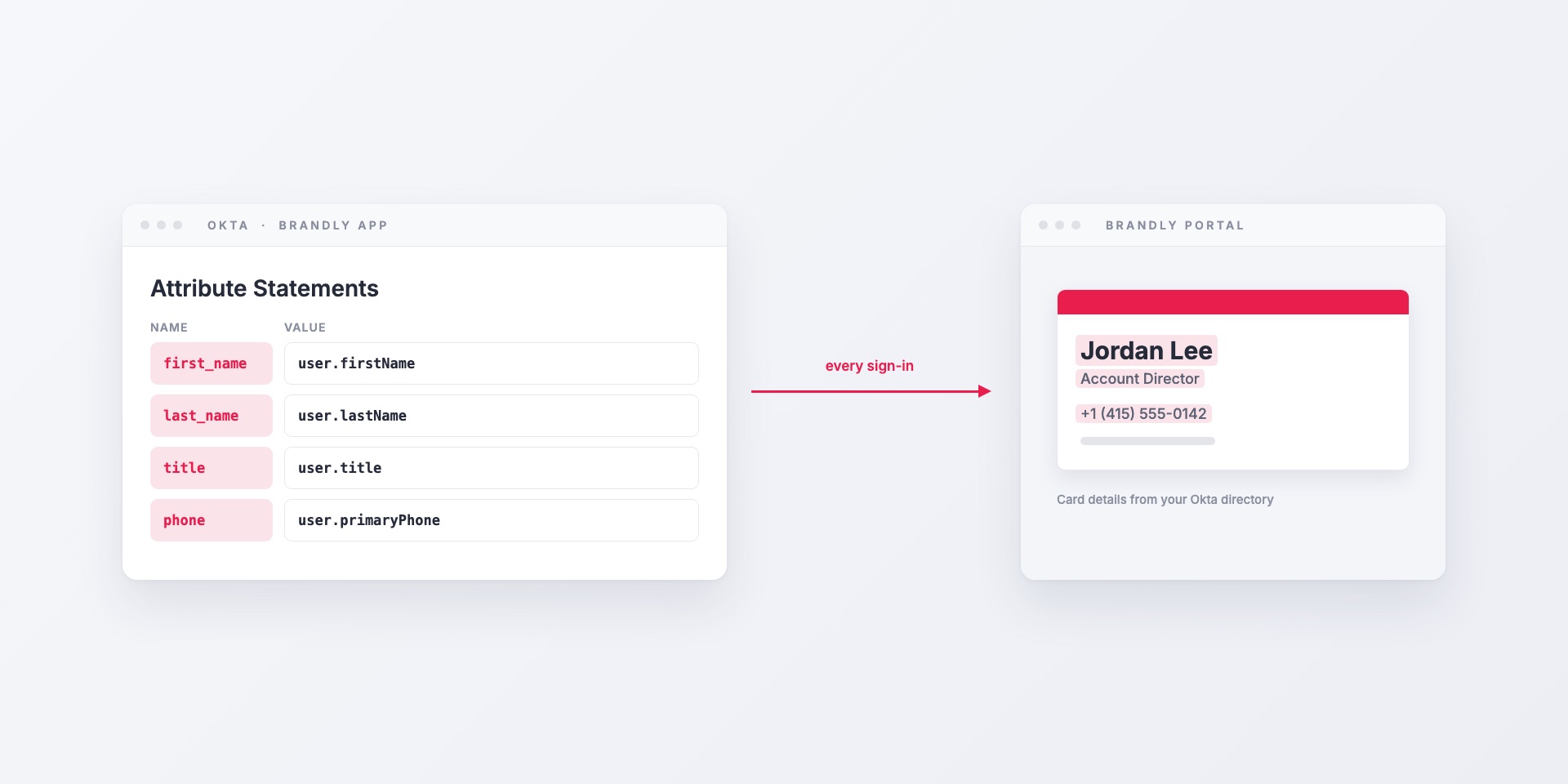
How to connect Brandly to Okta with SAML single sign-on: creating the app integration, mapping Okta profile fields to business card details, assigning groups, and offboarding.
Discover why we built Brandly’s email signature solution for entire workforces—and how it helps teams stay consistent, professional, and on-brand.
Learn the difference between Google Workspace and the Marketplace—and how to use both to streamline operations and boost productivity for your business.
Outlook email signatures are like digital business cards. Learn how to create or update yours to look professional and boost your brand presence.
To add a signature in Gmail, go to Settings, See all settings, Signature, then Create new. Step-by-step screenshots for adding and changing it.
Learn a simple three-step system to manage and order team business cards using templates, a centralized portal, and approvals—so every card stays on-brand.