Archive of posts with category 'Business Card Portal'
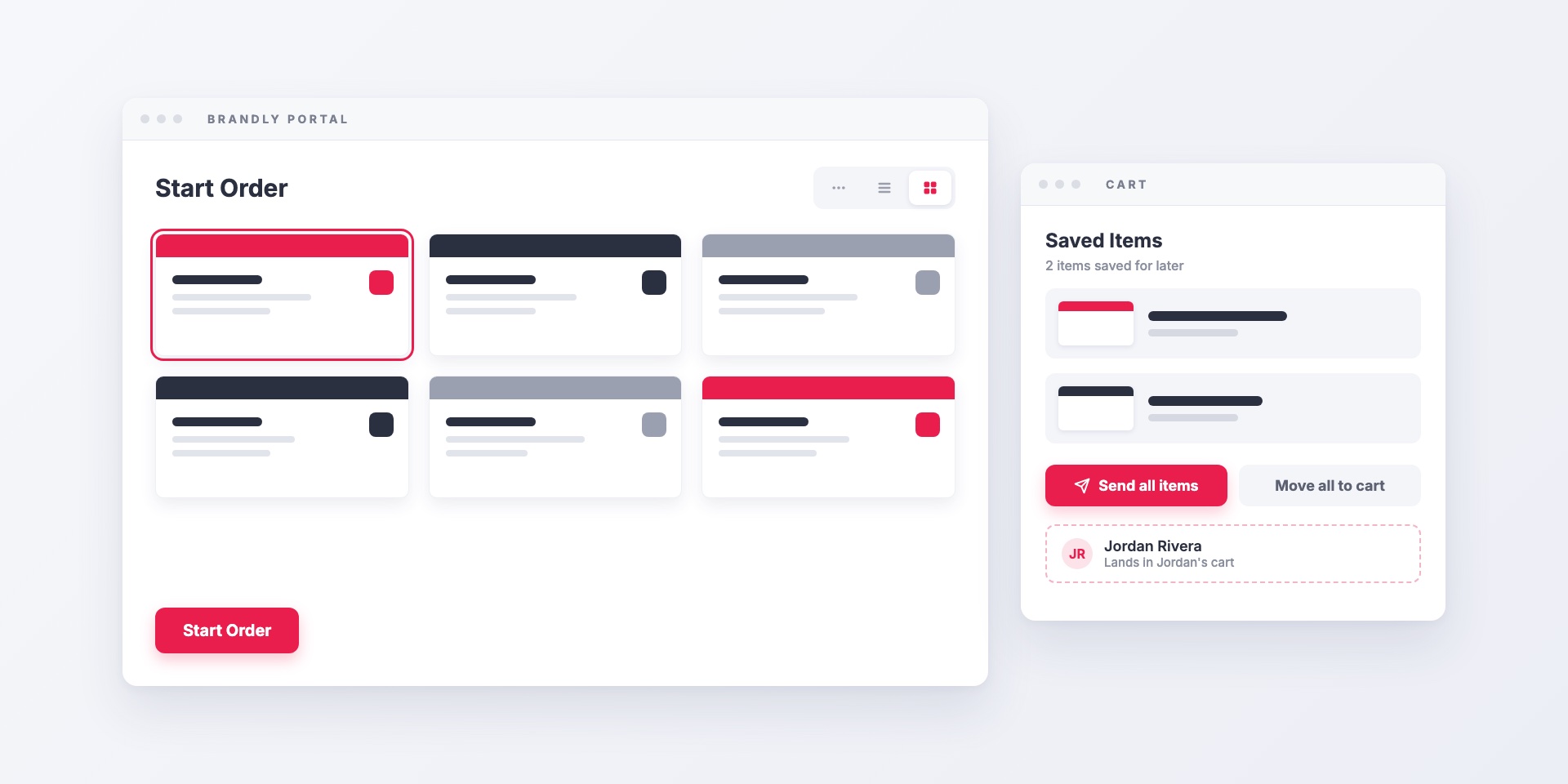
Recent updates to the Brandly business card portal: a dashboard built around ordering, list and grid views for teams with many templates, and a way for admins to send saved...
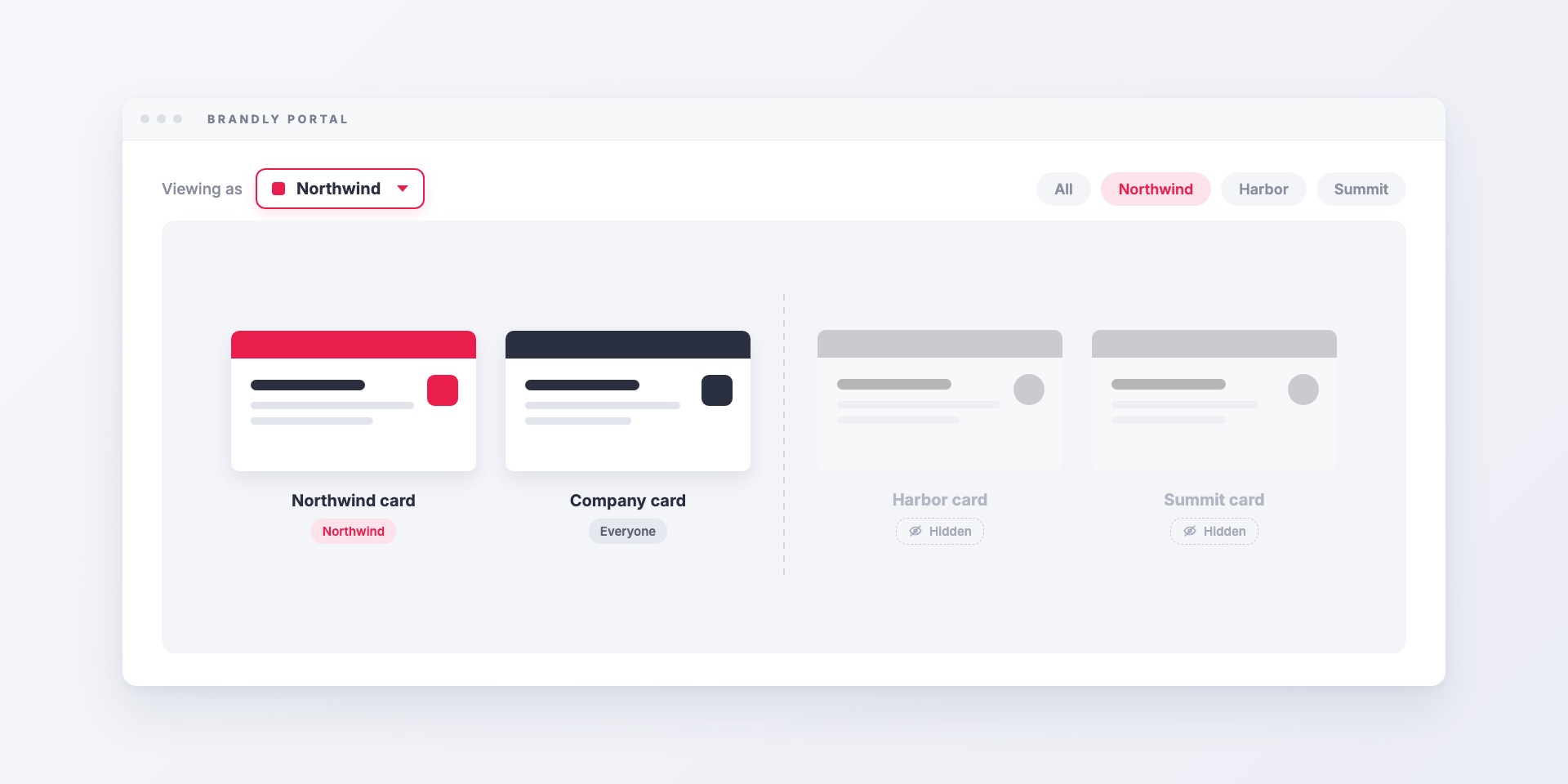
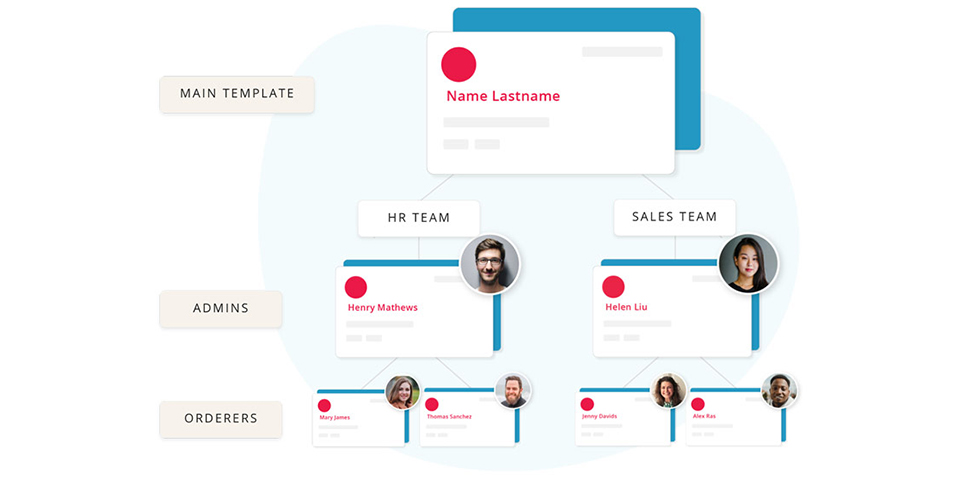
Group filtering lets one Brandly portal serve several brands, offices or departments. Each employee sees only the templates, products and shipping addresses for their group, and admins can still see...
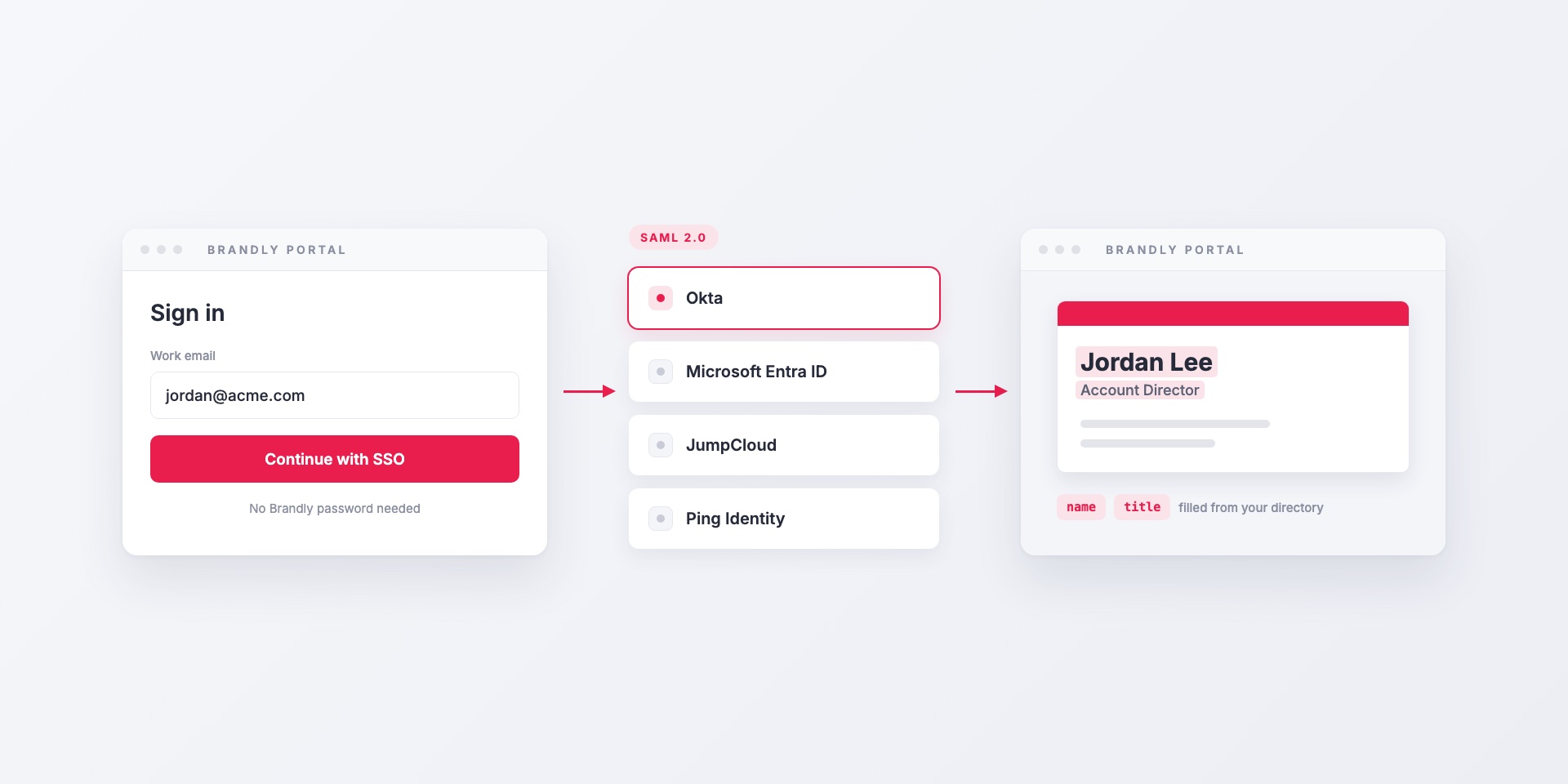
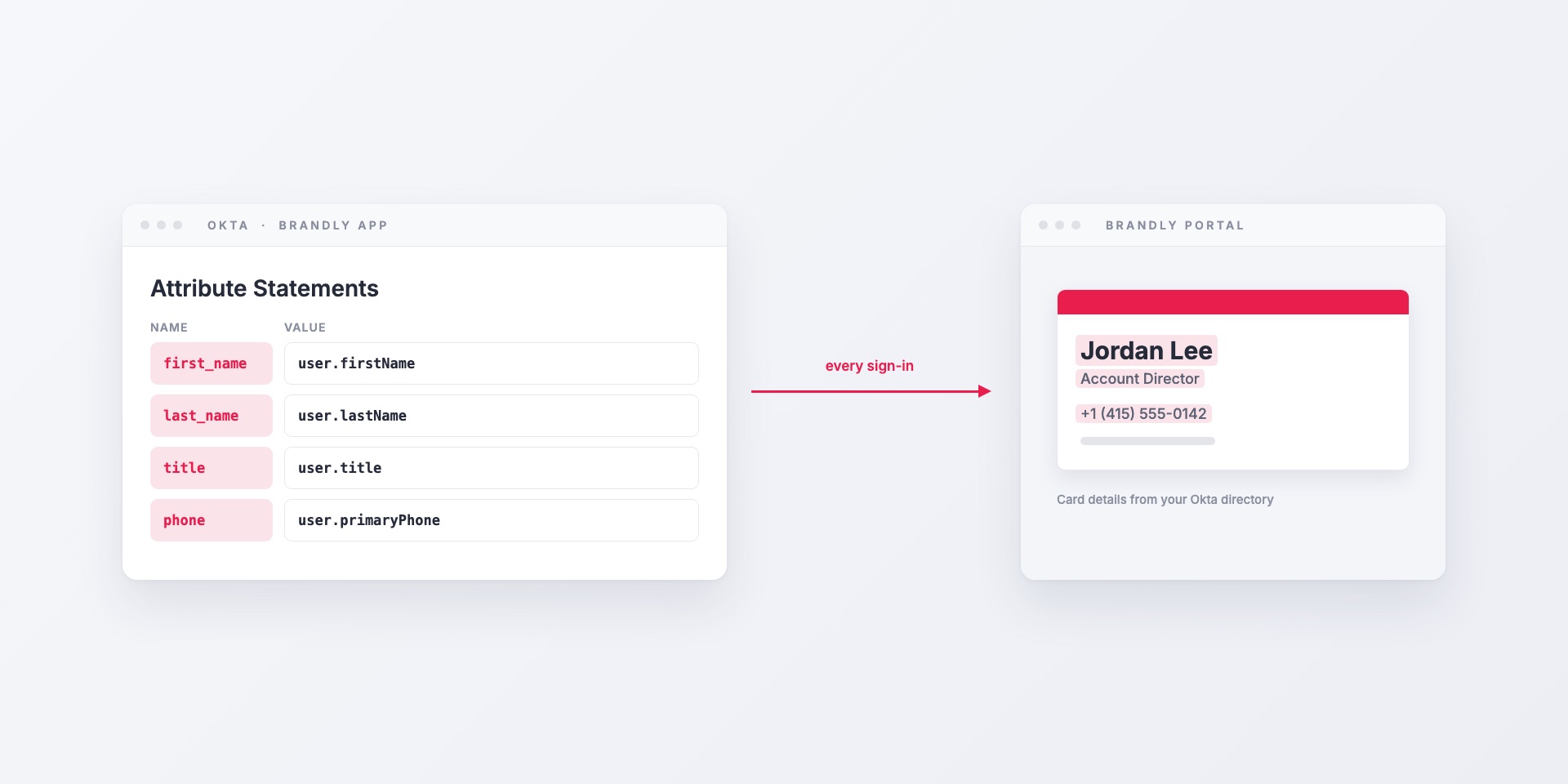
Brandly supports SAML 2.0 single sign-on with Okta, Microsoft Entra ID, JumpCloud, Ping Identity and any other SAML identity provider. Here's how it works, which attributes to map, and how...
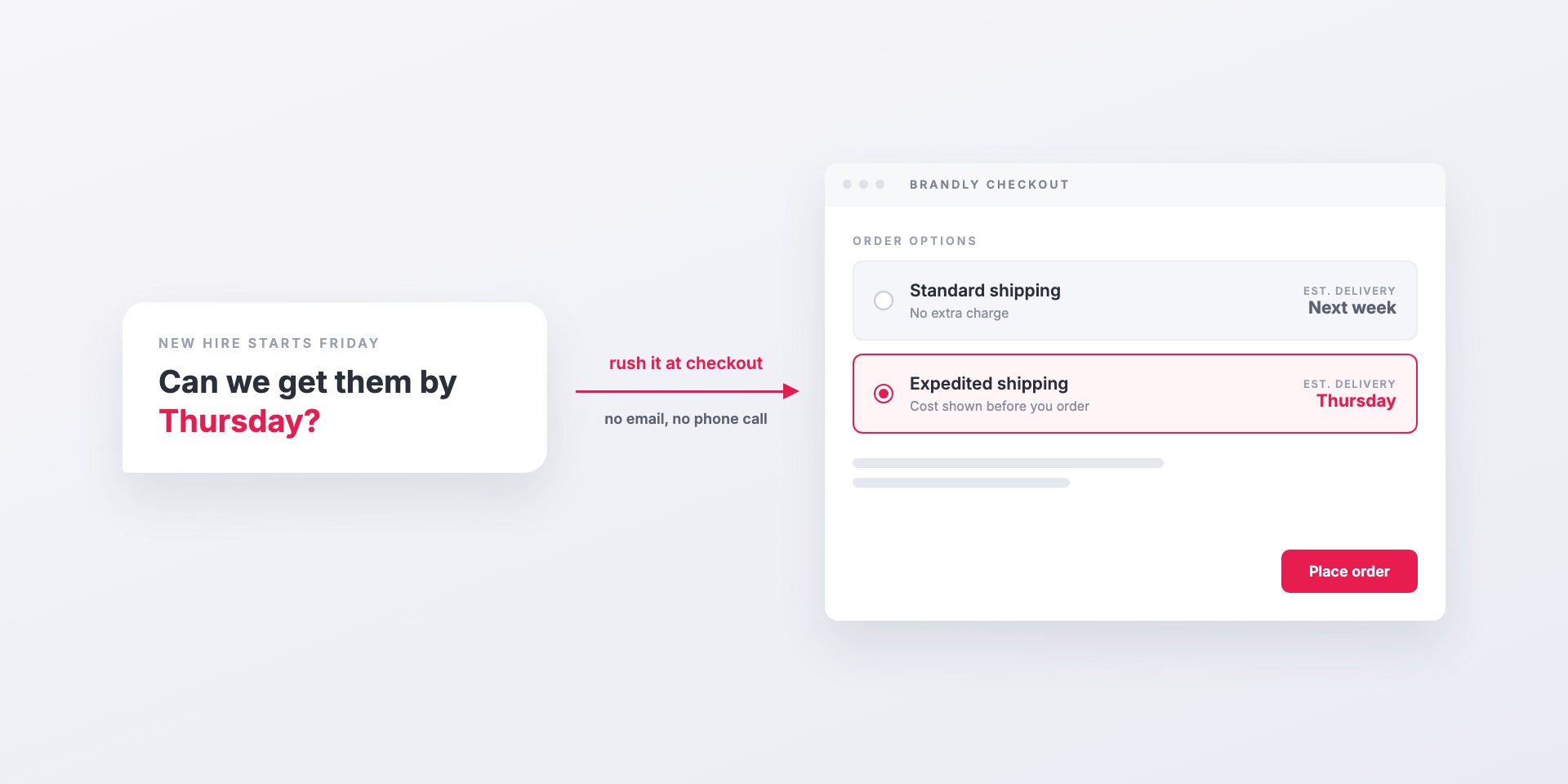
When someone needs business cards by a specific day, they can choose expedited shipping or enter a needed-by date right at checkout. Admins decide who on the team can use...
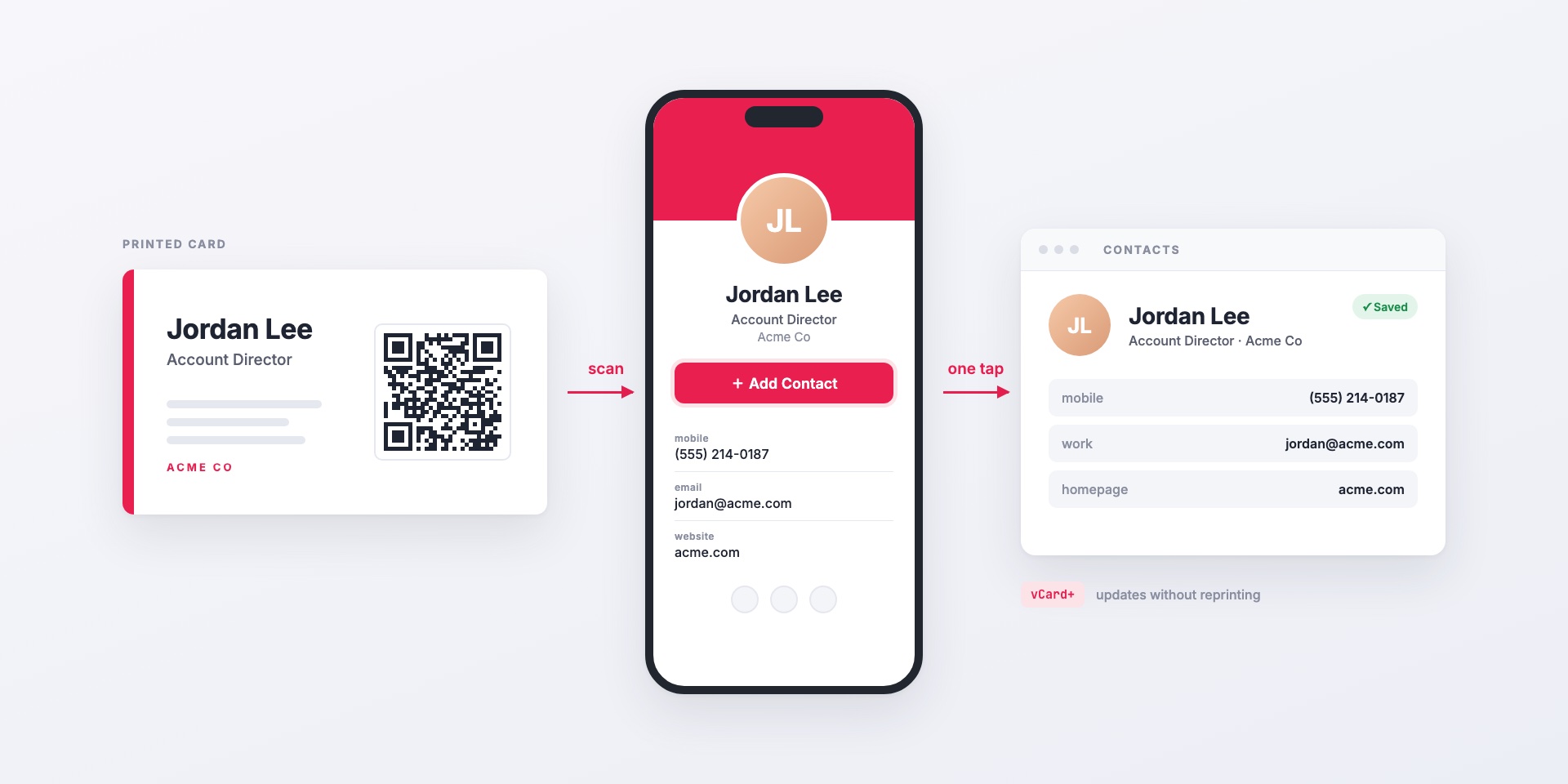
vCard+ puts a QR code on your printed business cards that opens a personal digital contact page. One tap saves the contact to the phone, and details update without reprinting....
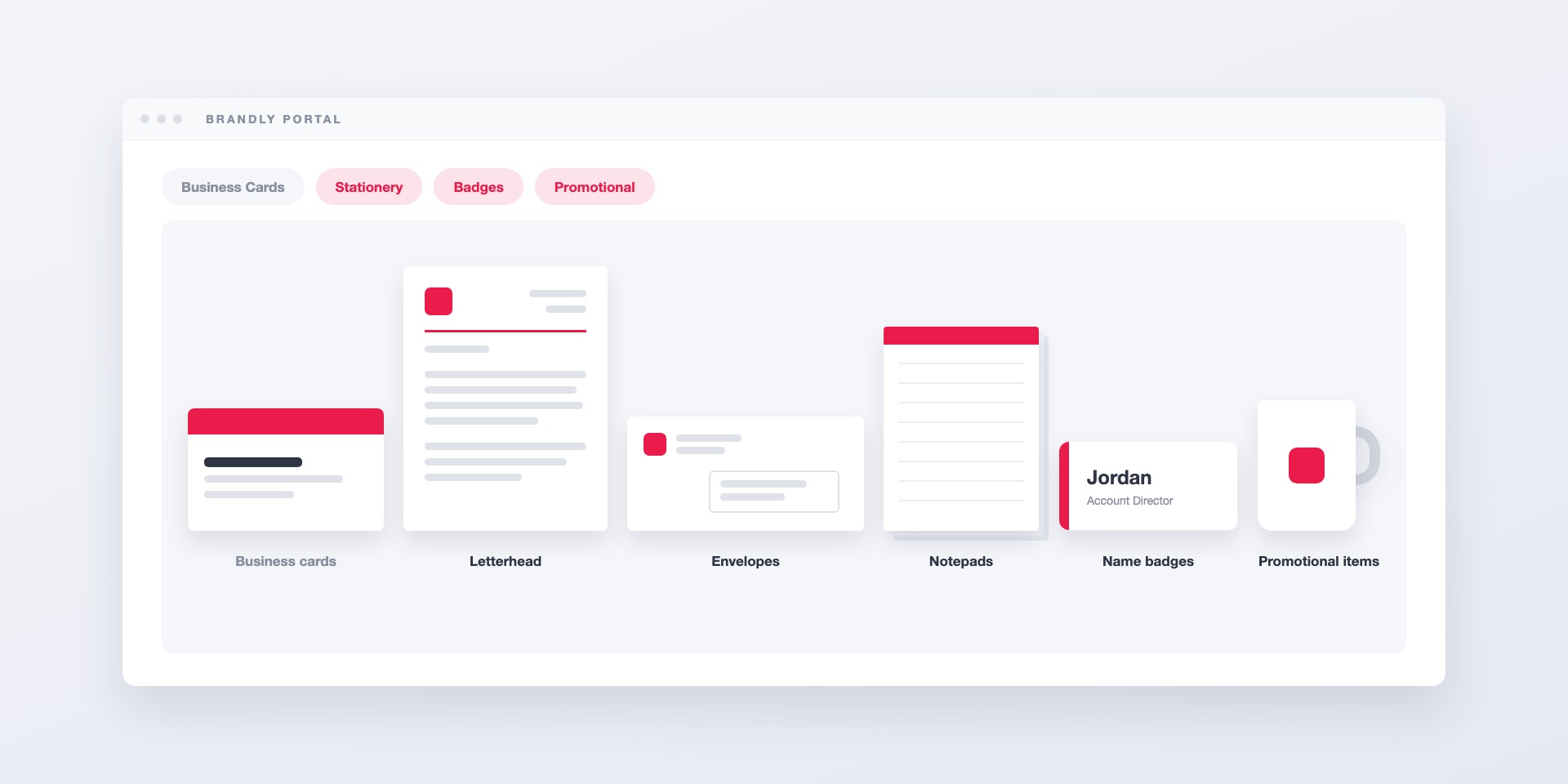
Brandly's wider catalog adds letterhead, envelopes, notepads, name badges and promotional items to the same portal your team already uses for business cards, with the same templates, employee details and...
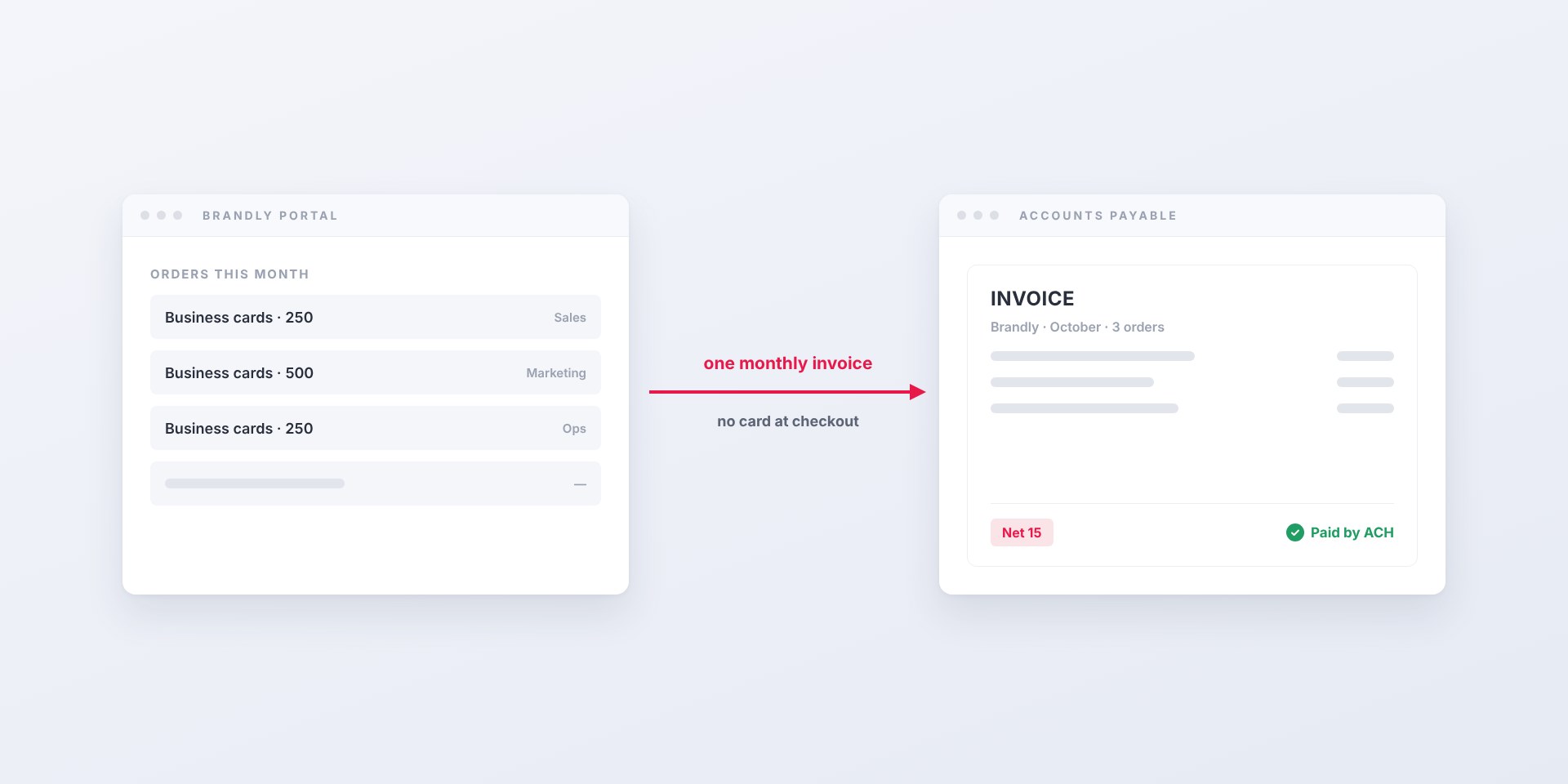
You don't have to pay for business cards by card. With Business Plus, Brandly invoices your company on Net 15 terms, paid by ACH, check or card, per order or...
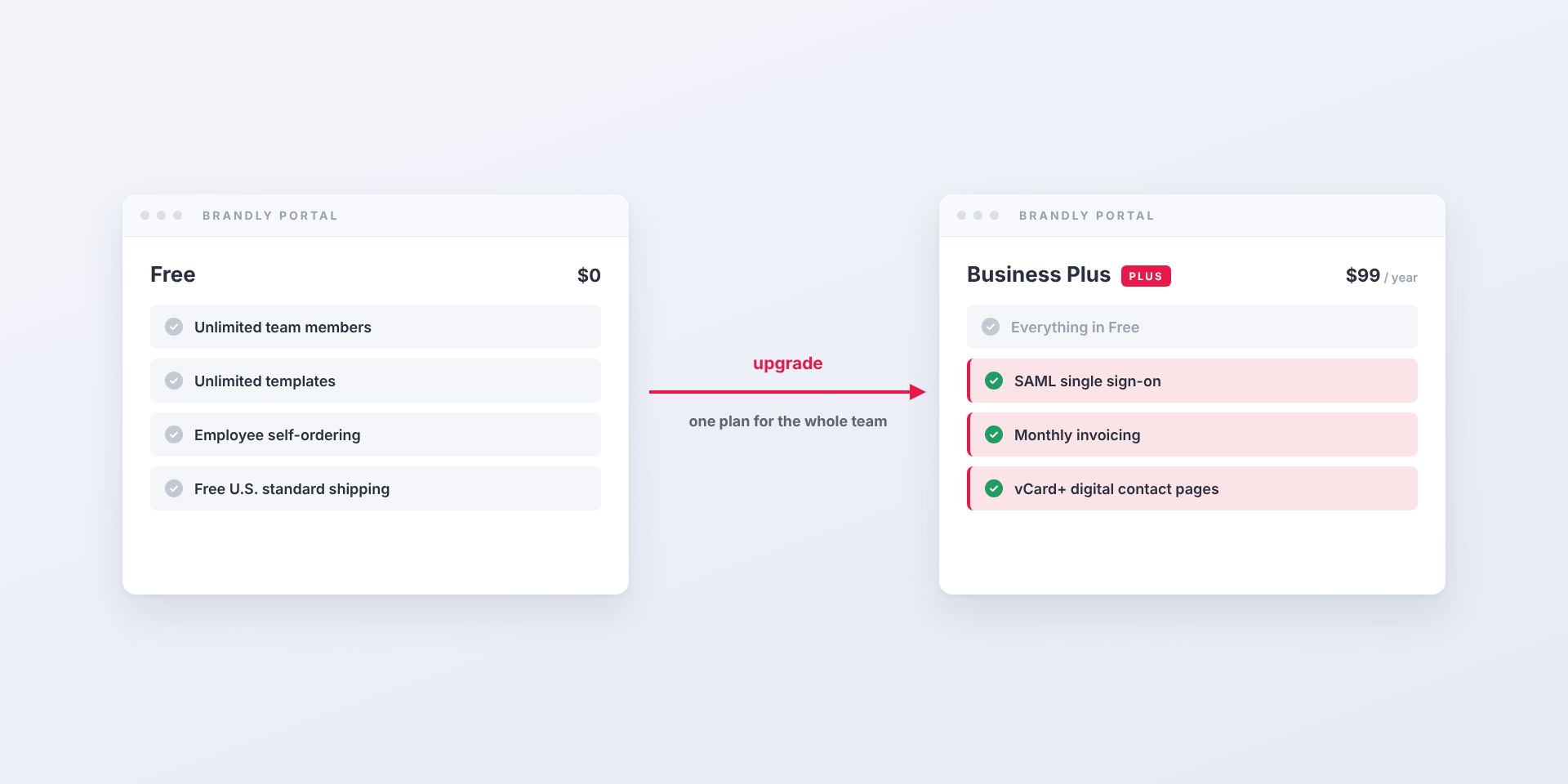
The Brandly business card portal is free. Business Plus adds SAML single sign-on, monthly invoicing and vCard+ digital contact pages for $99 a year per team.
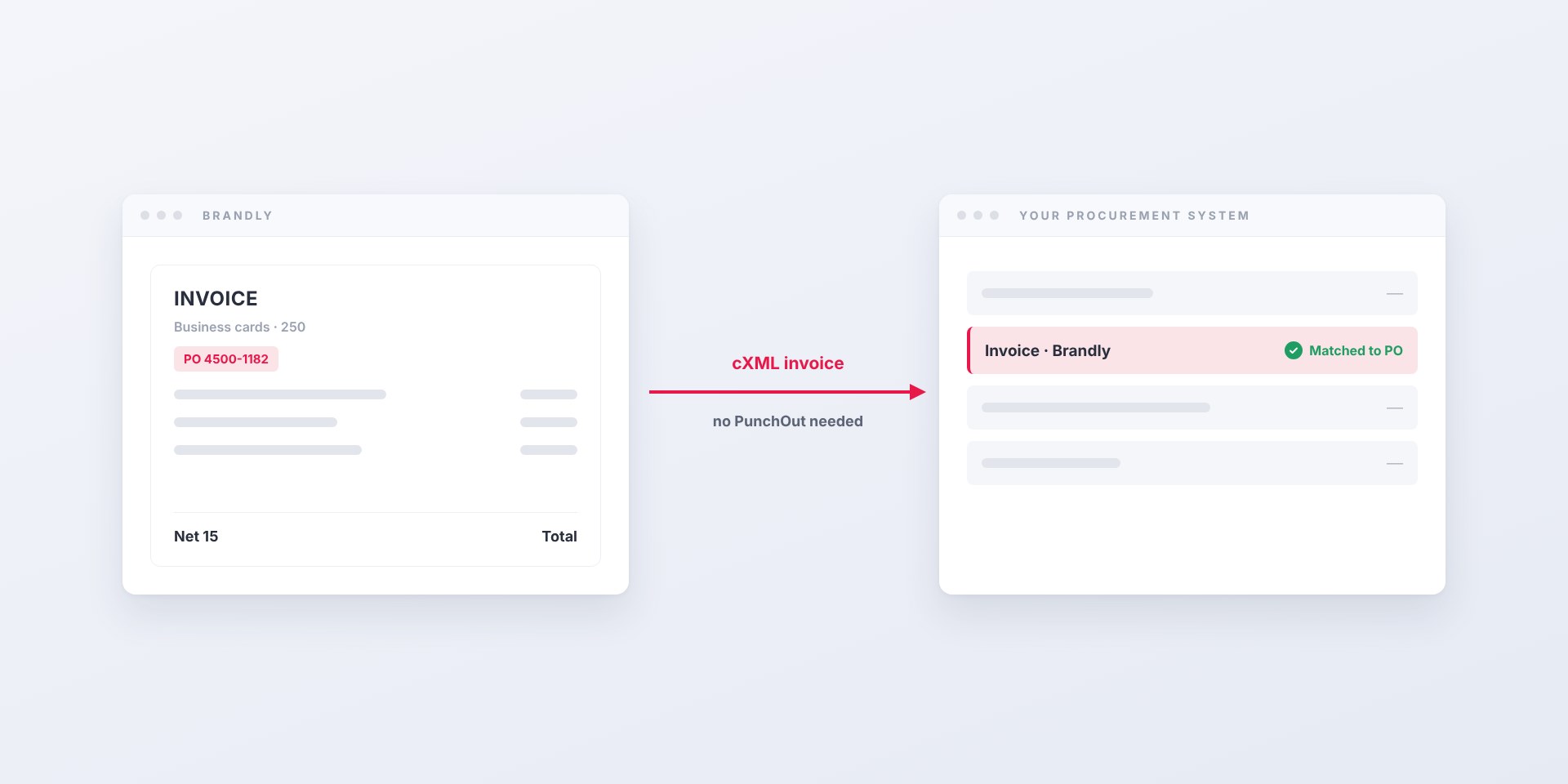
Brandly now sends business card invoices straight into Coupa as cXML. Your team keeps ordering on brandly.com; AP gets invoices matched to the PO, not PDFs.
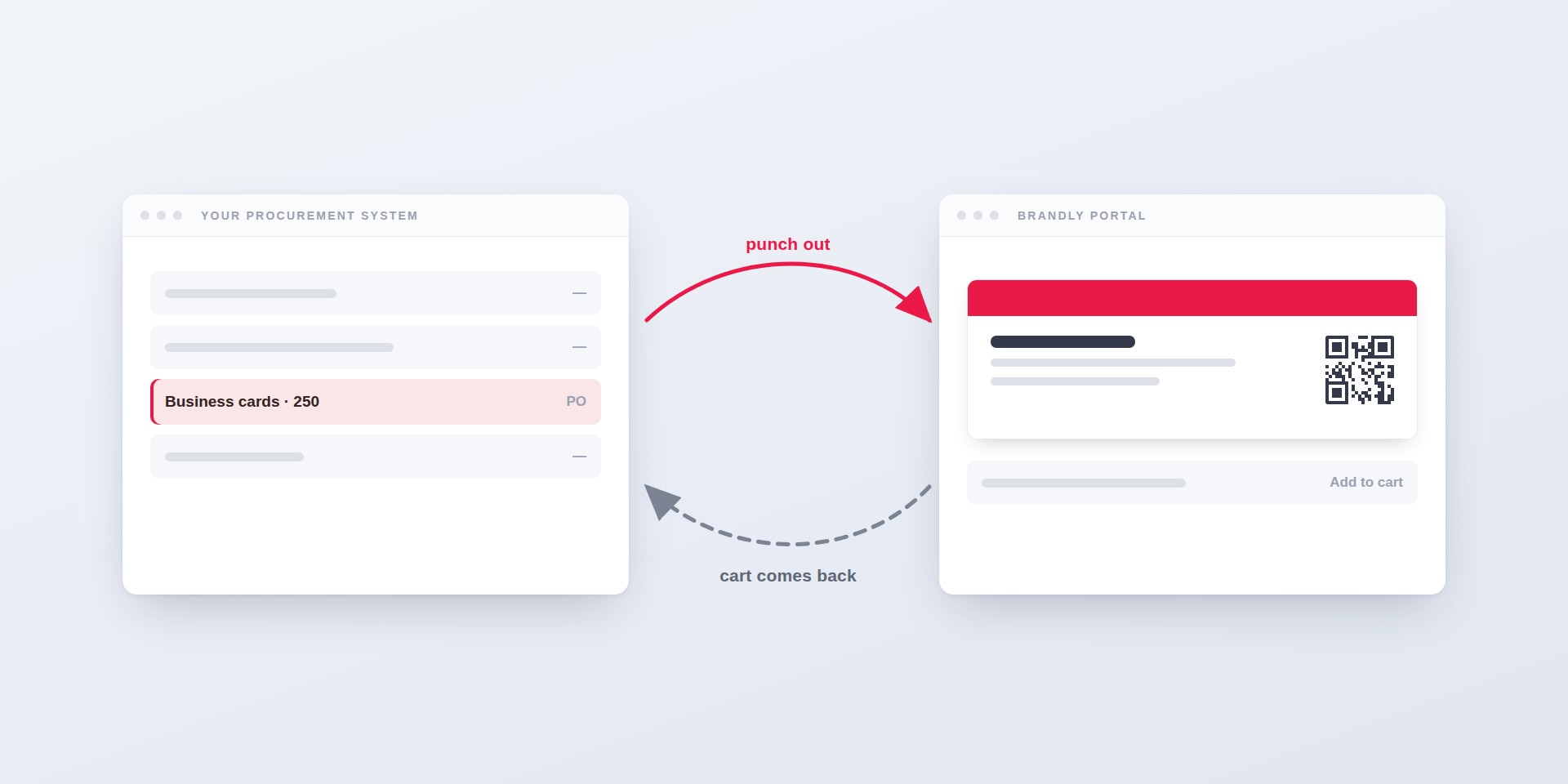
How PunchOut lets your team order business cards without leaving Coupa, SAP Ariba or TradeCentric — what the round trip looks like, what setup takes, and why many buyers need...
How to connect Brandly to Okta with SAML single sign-on: creating the app integration, mapping Okta profile fields to business card details, assigning groups, and offboarding.
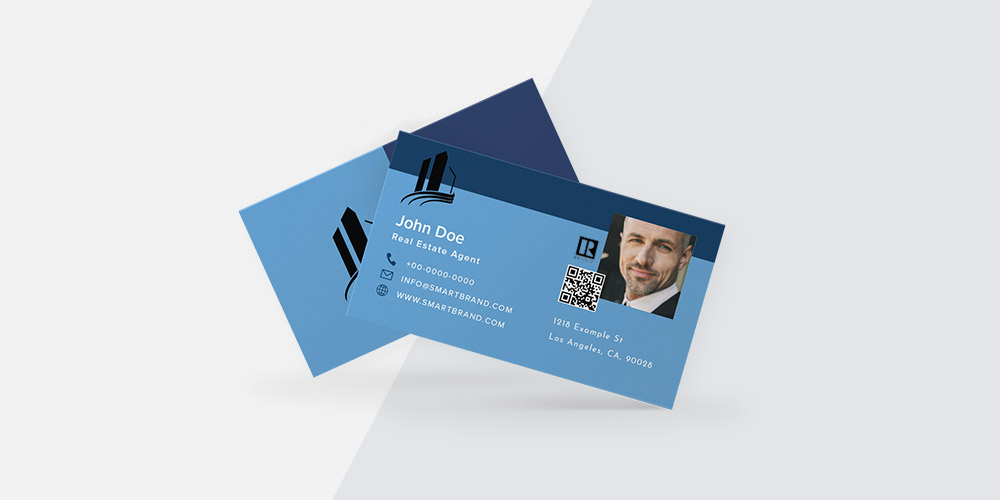
Learn how real estate agents can create and order professional business cards with ease. Discover must-have elements, design tips, and how to get started with Brandly’s fast, customizable platform.
Wondering if you should add a photo to your business card? Learn how to easily customize and order photo-ready business cards with Brandly’s online portal.
Learn how to upload your design, create editable templates, and order business cards online—fast, easy, and fully on-brand with Brandly.
Choosing the right business card vendor can save time, money, and hassle. Ask these 6 key questions to find the best fit for your team or company.
Learn what a business card portal is, the key features to look for (editable templates, approvals, reorders), and how to choose the right option to streamline team-wide ordering.
Learn a simple three-step system to manage and order team business cards using templates, a centralized portal, and approvals—so every card stays on-brand.
Streamline business card ordering with on-brand templates, self-serve edits, and approval workflows. Learn how to simplify the process for teams using a business card portal.
Learn how business card automation, standardized templates, and approval workflows cut ordering time and costs for growing teams—and how to get started.
Discover how large companies use a business card portal with self-serve templates and approval workflows to manage, edit, and print business cards for employees at scale.